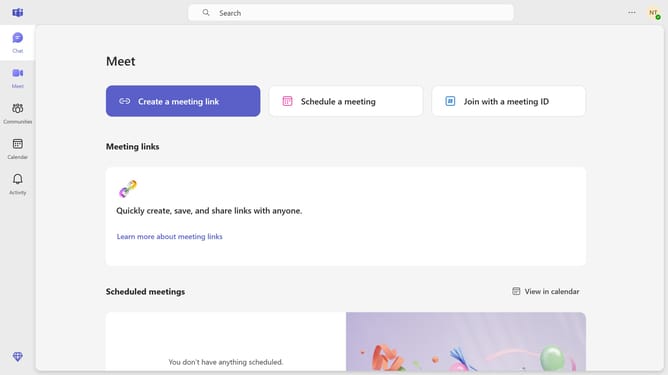
How to disable notification sounds in Microsoft Teams
Here is how to disable notification sounds in microsoft teams
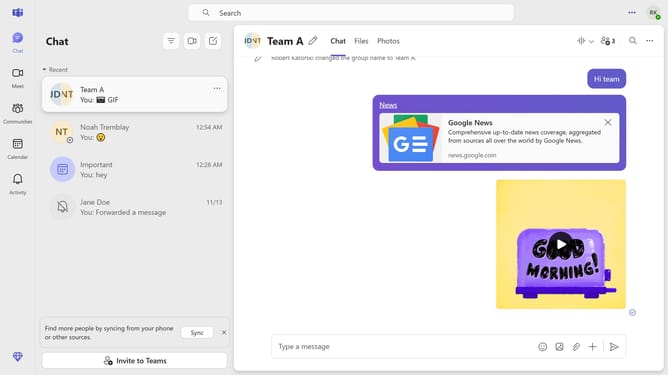
- First click on the "More" (three-dot icon) in the top-right corner of the header
- Then click "Settings" in the dropdown menu
- Next click on "Notifications and activity" option in the settings menu
- Finally select the "Play sounds with notifications" checkbox in the Sound settings section
Why should you disable notification sounds in Microsoft Teams
Microsoft Teams is a robust collaboration tool designed to streamline communication and enhance teamwork within organizations.
One valuable feature is the ability to disable notification sounds. This feature is perfect for maintaining focus during deep work sessions or ensuring a distraction-free environment during meetings.
Utilizing this option helps users control their auditory environment, improving concentration and productivity.
Ultimately, this results in a more efficient and pleasant user experience.
Last update