How to disable adjust brightness in Microsoft Teams
Here is how to disable adjust brightness in microsoft teams
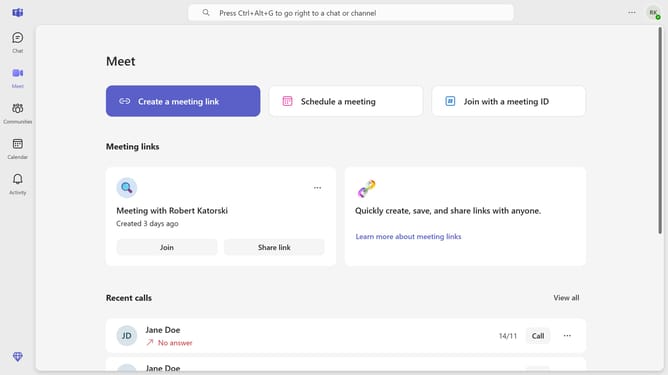
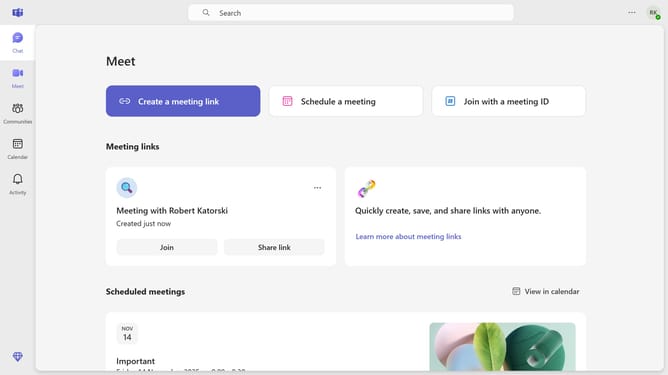
- First click on the "More options" button in the top-right corner of the header
- Then click on "Settings" option in the dropdown menu
- Next click on "Devices" option in the left sidebar navigation
- Scroll down in the Devices settings menu
- Finally click on the "Adjust brightness" toggle switch to turn it off
Why should you disable adjust brightness in Microsoft Teams
Microsoft Teams is a versatile platform designed to foster seamless collaboration and communication within teams.
Adjusting brightness in Microsoft Teams can significantly enhance your video calling experience by ensuring optimal visibility and comfort. Disabling the auto-adjust brightness feature allows for consistent lighting, eliminating unexpected changes during important virtual meetings.
It empowers you to maintain professional video quality, particularly beneficial in environments where lighting conditions are stable and predictable. Keeping control means your video feed always meets your personal or professional standards.
Last update