How to disable sign language mode in Microsoft Teams
Here is how to disable sign language mode in microsoft teams
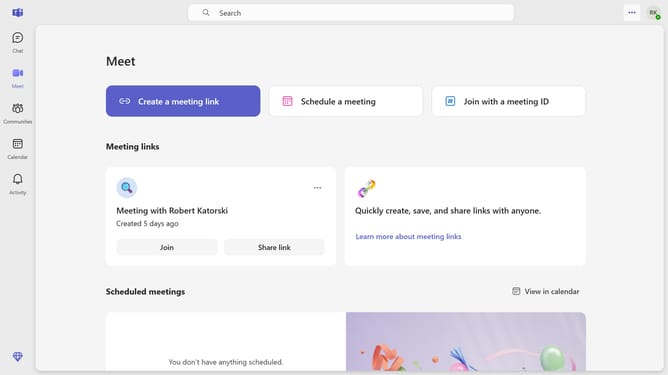
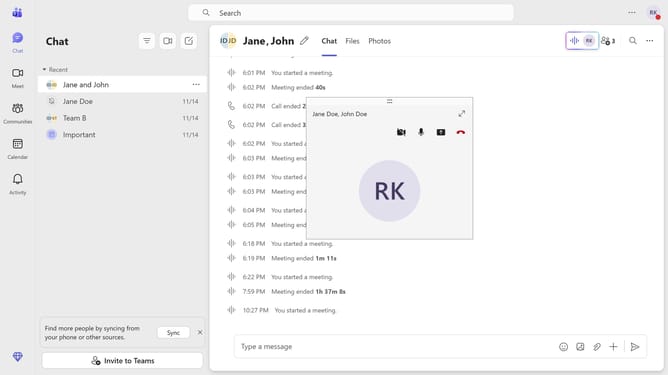
- First click on the "More options" button in the top-right corner of the header
- Then click on the "Settings" option in the dropdown menu
- Next click on the "Accessibility" option in the left sidebar navigation
- Finally click on the "Sign language mode" toggle switch to disable it
Why should you disable sign language mode in Microsoft Teams
Microsoft Teams is a versatile collaboration platform designed to boost communication and teamwork in professional settings.
Disabling sign language mode in Microsoft Teams can streamline video calls for users who do not require this feature, ensuring a more customized meeting experience.
The sign language mode is tailored for those who need it and allows for priority video placement of signers, enhancing accessibility and inclusiveness.
For those who do not need sign language features, turning it off keeps the interface clean and optimizes resources, fostering a more efficient and personalized workspace.
Last update