How to unpin a message in Microsoft Teams
Here is how to unpin a message in microsoft teams
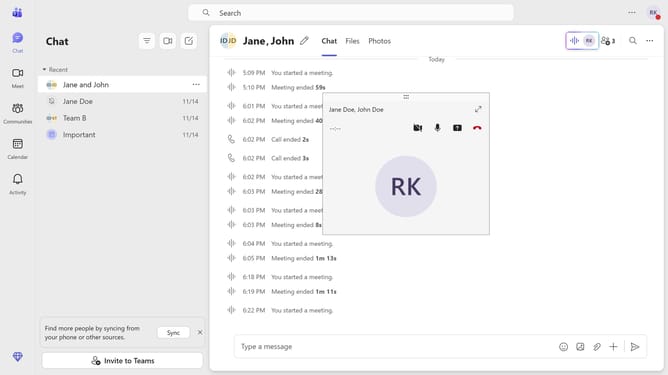
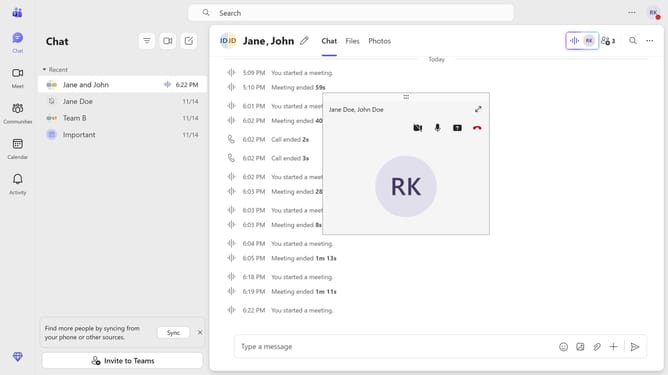
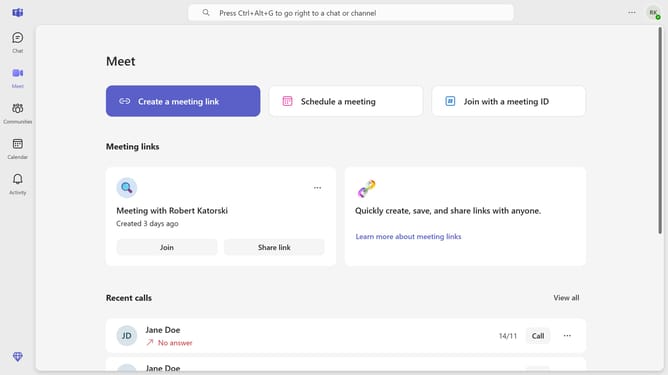
- First click on the "Chat" icon in the left sidebar
- Then click on the "More options" menu (three dots) next to a pinned message you want to unpin
- Finally click on "Unpin" option from the dropdown menu
Why should you unpin a message in Microsoft Teams
Microsoft Teams is a powerful collaboration platform designed to bring people together and streamline communication.
Unpinning a message in Microsoft Teams allows users to manage their chat space efficiently. It helps keep conversations fresh by removing pinned messages that are no longer relevant.
This feature ensures easy access to current and vital information, making team communication more effective and organized. By maintaining a clutter-free chat environment, productivity and focus are naturally enhanced.
Last update