How to use reactions during a meeting call in Microsoft Teams
Here is how to use reactions during a meeting call in microsoft teams
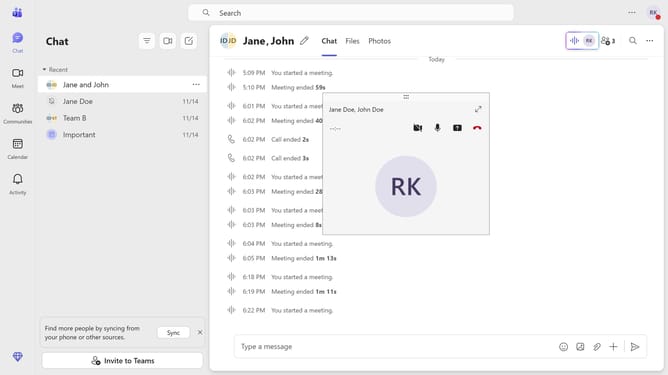
- First, click the Maximize button on the meeting call you are currently in
- Then click on the "React" button in the top menu bar
- Finally select your preferred emoji from the reaction options
Why should you use reactions during a meeting call in Microsoft Teams
Microsoft Teams is a dynamic collaboration tool designed to enhance communication and teamwork.
Using reactions during a meeting call in Microsoft Teams allows participants to engage in real-time feedback, making the communication more interactive and lively.
These instant expressions help convey feedback without interrupting the flow of conversation, fostering a more engaging environment.
The use of reactions in meetings can boost morale and inclusivity by providing a fun, visual means to participate.
Last update