How to set your status to away using slash command in Microsoft Teams
Here is how to set your status to away using slash command in microsoft teams
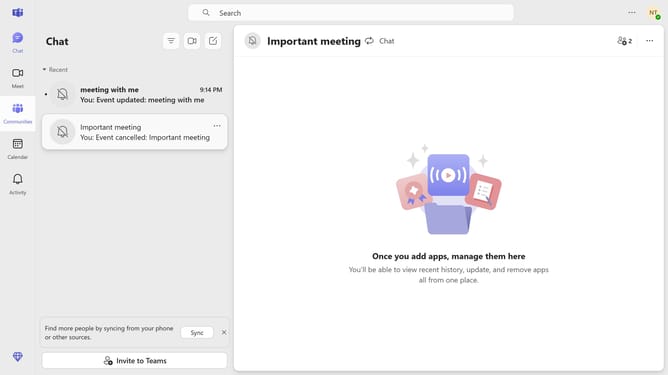
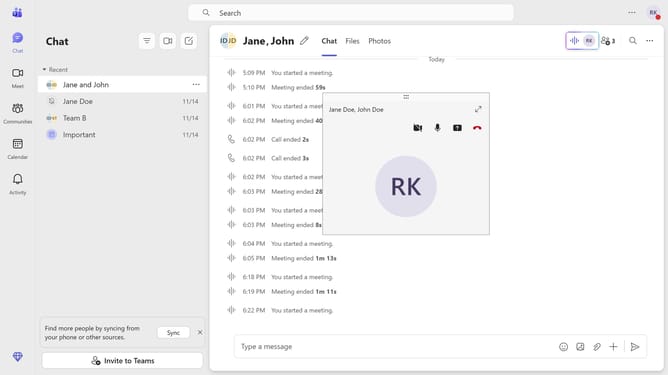
- First click on the "Chat" button in the top navigation bar
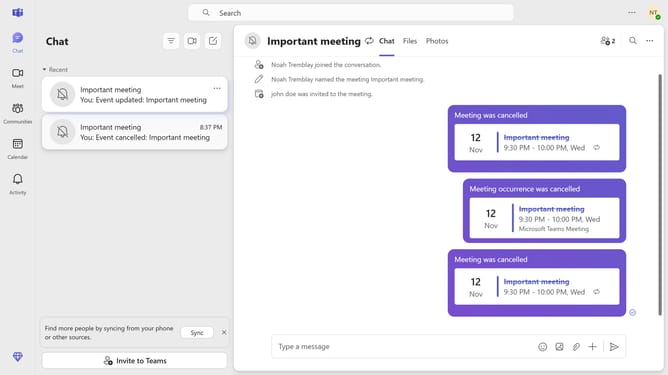
- Then clicka chat conversation in the chat list
- Next click on the message input field at the bottom that says "Type a message" and type "/away"
- Finally click on the "/away" command that appears in the command suggestions menu
Why should you set your status to away using slash command in Microsoft Teams
Microsoft Teams is a collaborative platform designed to enhance productivity and communication within organizations.
Setting your status to "away" using a slash command in Microsoft Teams is a quick and efficient way to manage your availability. This feature allows team members to instantly understand if you're currently unavailable without you needing to interrupt your workflow.
Utilizing this functionality helps maintain clear communication and sets expectations about your response times, promoting smoother and more effective teamwork.
Last update