How to translate messages into a specific language in Microsoft Teams
Here is how to translate messages into a specific language in microsoft teams
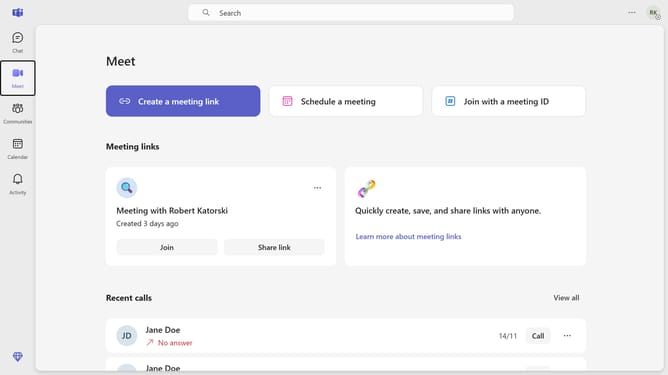
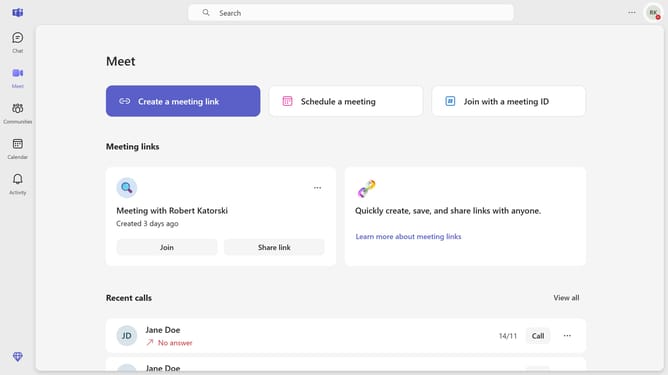
- First click on the ellipsis menu button in the top-right corner of the interface
- Then click on "Settings" from the dropdown menu
- Next select the dropdown field for "Translate messages into this language" in the Translation settings
- Finally select your preferred laguage from the dropdown menu
Why should you translate messages into a specific language in Microsoft Teams
Microsoft Teams is a dynamic platform designed to enhance collaboration and communication within organizations.
One of its outstanding features is the ability to translate messages into specific languages effortlessly. This feature fosters seamless collaboration among global teams, breaking down language barriers that can hinder productivity.
By enabling real-time translations, it ensures that team members can focus on innovation and decision-making, rather than struggling with language differences.
This feature not only saves time but also promotes inclusivity, making it easier for everyone to contribute their ideas, regardless of their native language.
Last update