How to change community event location in Microsoft Teams
Here is how to change community event location in microsoft teams
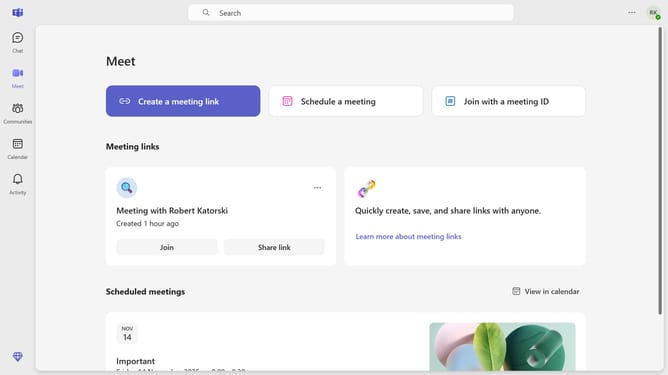
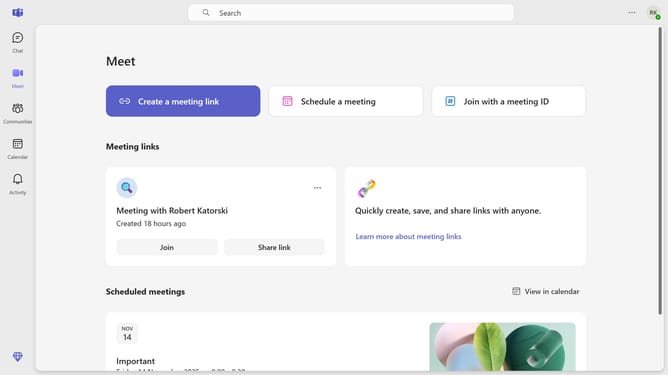
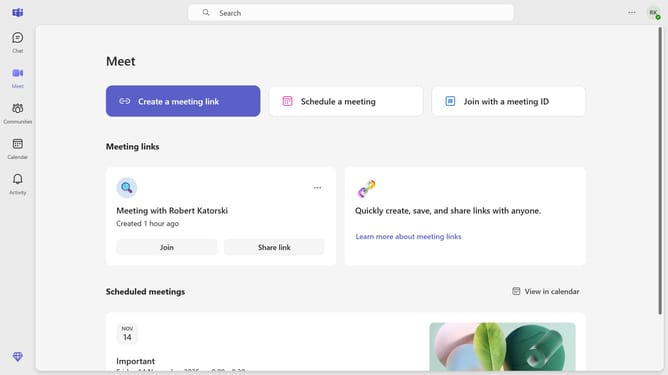
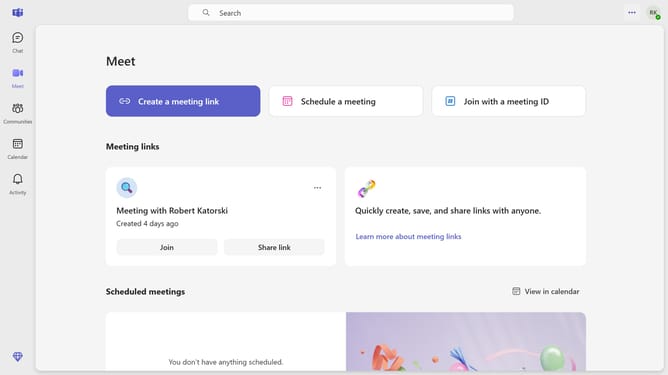
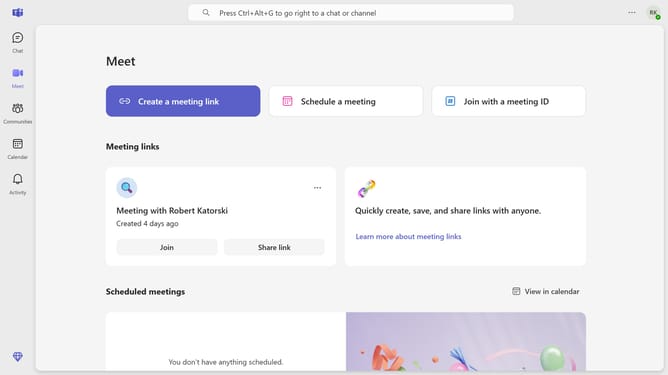
- First click on the "Communities" button in the left sidebar
- Then click on the "Events" button in the community header
- Next click on the "Edit" button for the meeting event
- Then click on the location field and update the meeting location
- Finally click on the "Send update" button in the top right corner
Why should you change community event location in Microsoft Teams
Microsoft Teams is a dynamic collaboration platform designed to facilitate seamless communication and teamwork.
One of its standout features is the ability to change the location for community events easily, which enhances flexibility and ensures attendees receive accurate and timely updates.
This feature is particularly beneficial for organizers who need to accommodate changes quickly, maintaining the event's consistency and participants' engagement.
Updating event details on the go enhances planning efficiency and keeps everyone on the same page, maximizing productivity and reducing misunderstandings.
Last update