How to leave a group chat in Microsoft Teams
Here is how to leave a group chat in microsoft teams
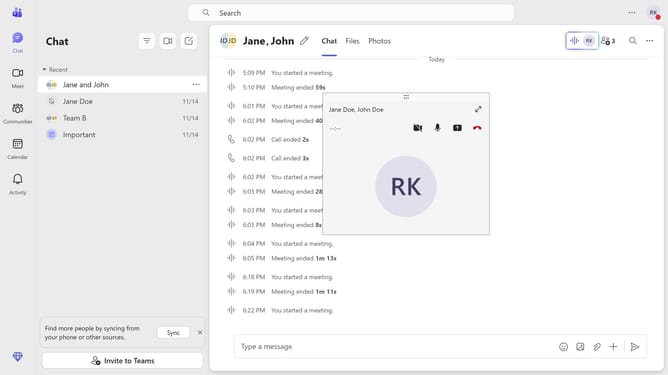
- First click on the "Chat" icon in the top navigation bar
- Then click on the group chat you want to leave in the chat list
- Next click on the "More options" button (three dots) in the top-right corner of the chat window
- Then click on "Leave" option from the dropdown menu
- Finally click on the "Leave" button in the confirmation dialog
Why should you leave a group chat in Microsoft Teams
Microsoft Teams is a powerful collaboration tool designed to enhance communication and cooperation within organizations.
The feature to leave a group chat in Microsoft Teams offers flexibility by allowing users to manage their involvement in conversations.
This feature enables individuals to streamline their focus on relevant discussions, reducing distractions from unnecessary notifications.
By leaving a group chat when it's no longer pertinent, users can maintain a clutter-free workspace, enhancing productivity and overall efficiency.
Last update