How to enable notifications during calls and meetings in Microsoft Teams
Here is how to enable notifications during calls and meetings in microsoft teams
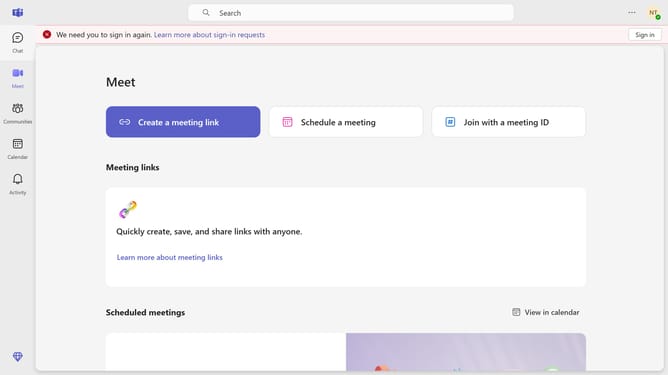
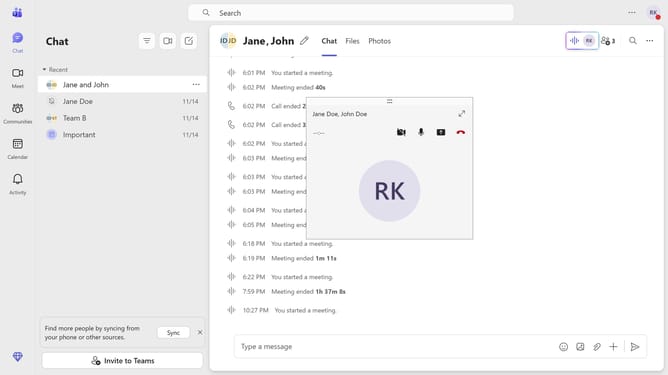
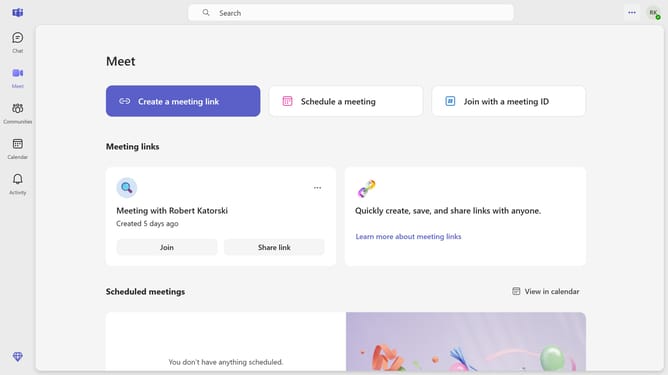
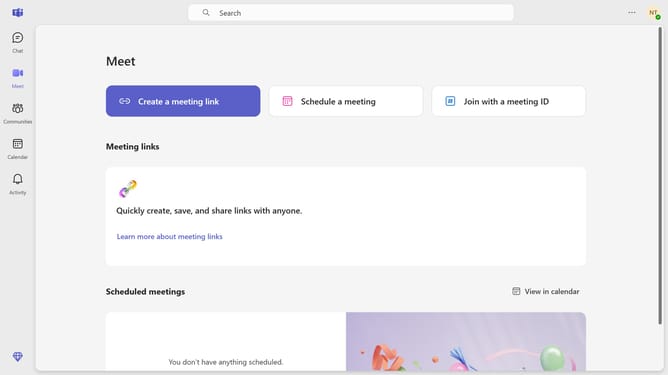
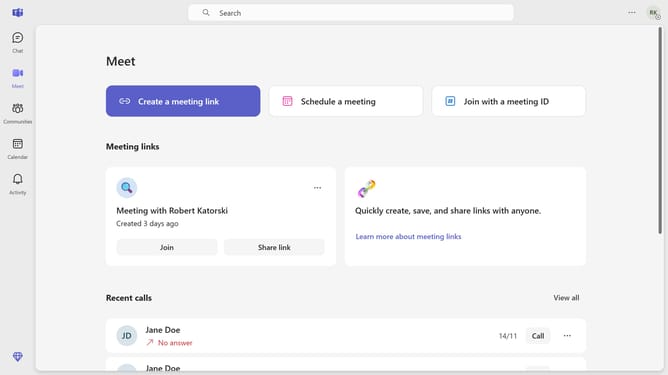
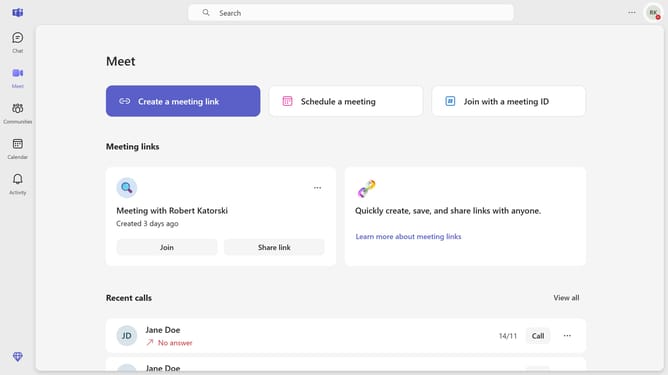
- First click on the "More options" (three-dot icon) in the top-right corner of the page
- Then click "Settings" from the dropdown menu
- Next click on "Notifications and activity" option in the settings menu
- Finally click on the "Show notifications during calls and meetings" checkbox in the Display section
Why should you enable notifications during calls and meetings in Microsoft Teams
Microsoft Teams is a dynamic platform that streamlines communication and collaboration within organizations.
Enabling notifications during calls and meetings in Microsoft Teams enhances productivity by ensuring you remain informed without missing important discussions. This feature allows you to receive crucial alerts instantly, keeping you updated on priority tasks even while engaged in meetings.
Staying connected with notifications during your Teams sessions empowers timely decision-making and strengthens team coordination, fostering a seamless workflow environment.
Last update