How to copy attachment links in a chat in Microsoft Teams
Here is how to copy attachment links in a chat in microsoft teams
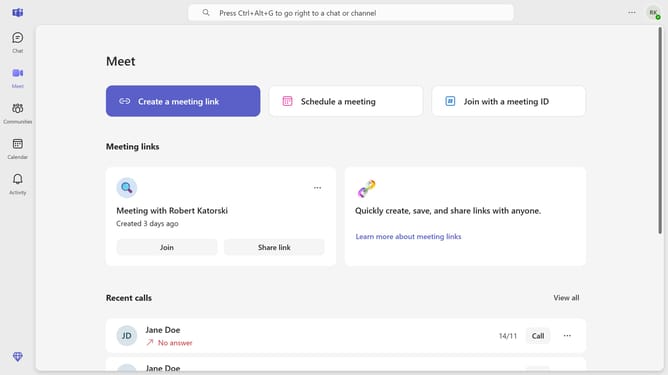
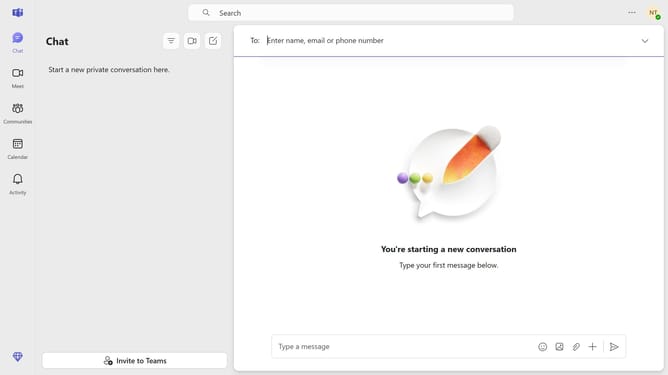
- First click on the "Chat" button in the top navigation menu
- Then click the message with the attachment you want to copy a link from
- Next, click the "..." menu button next to the attachment you want to copy the link from
- Finally click on the "Copy link" option in the file menu dropdown
Why should you copy attachment links in a chat in Microsoft Teams
Microsoft Teams is a powerful communication platform designed to streamline collaboration in the workplace.
A noteworthy feature of Microsoft Teams is the ability to effortlessly copy attachment links in chat, allowing users to quickly share resources with colleagues. This functionality enhances teamwork by enabling seamless access to important documents.
By easily copying and sharing attachment links, you optimize productivity and ensure that all team members are on the same page. The feature maximizes efficiency in dynamic work environments, fostering swift decision-making and effective communication.
Last update