How to set your status to do not disturb in Microsoft Teams
Here is how to set your status to do not disturb in microsoft teams
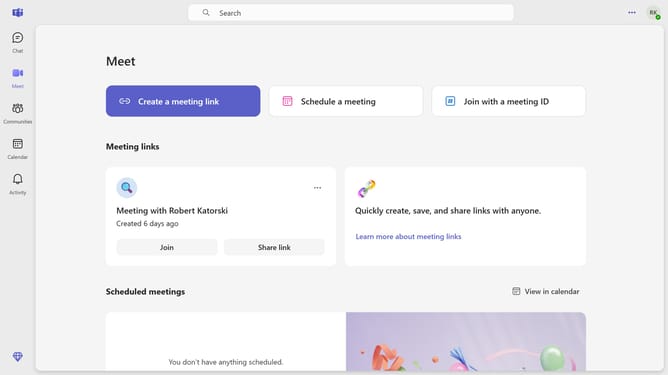
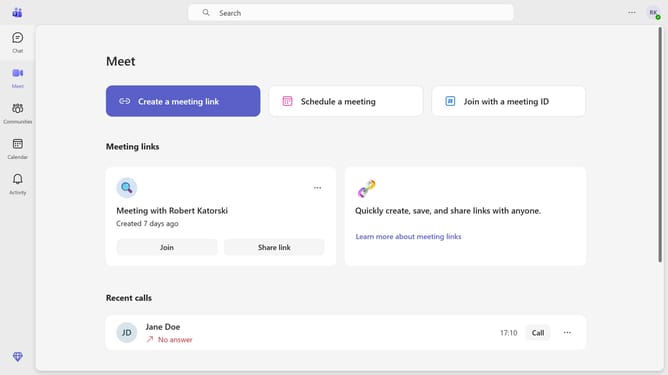
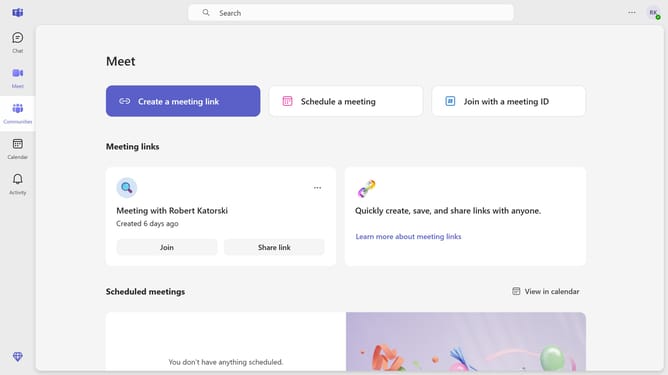
- First click on the profile icon in the top-right corner of the header
- Then click on the current status in the profile dropdown menu
- Finally click on the new status "Do not disturb" option in the status selection menu
Why should you set your status to do not disturb in Microsoft Teams
Microsoft Teams is an intuitive platform designed to enhance collaboration and communication in the workplace.
The "Do Not Disturb" feature in Microsoft Teams allows you to focus entirely on your tasks by muting notifications and preventing interruptions. By setting your status to "Do Not Disturb," you can maintain uninterrupted flow, concentrate more deeply, and maximize productivity during critical work periods.
This feature empowers team members to respect boundaries by signaling that you're unavailable, fostering a considerate and efficient work environment. Embrace the power of undisturbed focus with Microsoft Teams.
Last update