How to enable connected experiences in Microsoft Teams
Here is how to enable connected experiences in microsoft teams
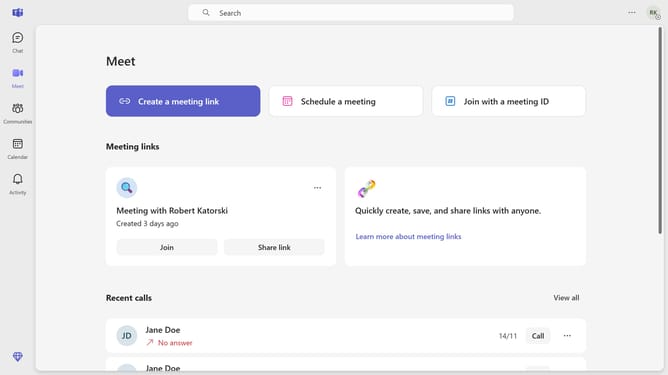
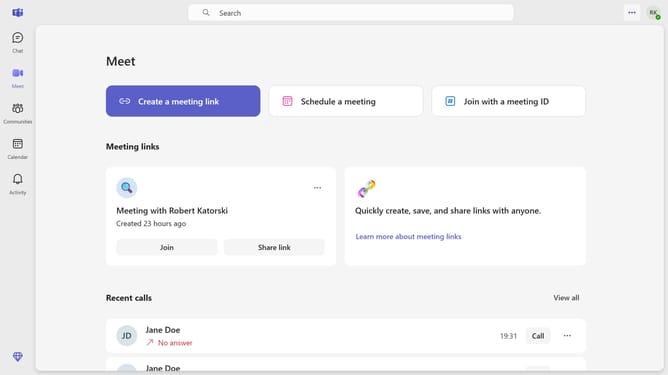
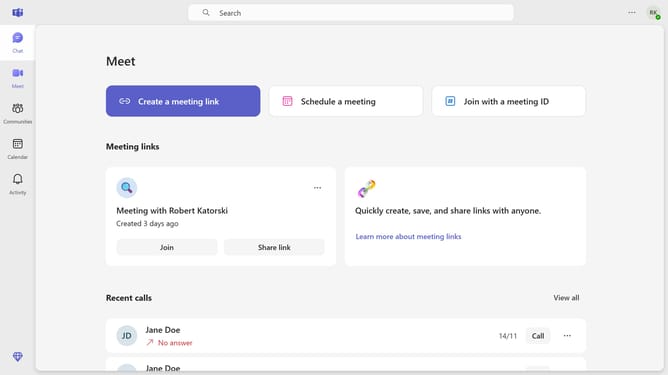
- First click on the "More options" button (three dots icon) in the top-right header area
- Then click on "Settings" option from the dropdown menu
- Next click on "Privacy" option in the left sidebar navigation menu
- Scroll down in the Privacy settings menu
- Finally toggle the "Optional connected experiences" switch to On position in the Privacy settings panel
Why should you enable connected experiences in Microsoft Teams
Microsoft Teams is a dynamic collaboration hub designed to streamline communication and teamwork.
Enabling connected experiences in Microsoft Teams allows for a seamless integration of tools and resources directly within the app. This enhances productivity by providing a unified platform for meetings, messaging, file sharing, and app functionalities.
By activating connected experiences, users benefit from increased efficiency, as it reduces switching between applications, fostering a more cohesive workflow and enhanced team synergy.
Last update