How to set your status to available in Microsoft Teams
Here is how to set your status to available in microsoft teams
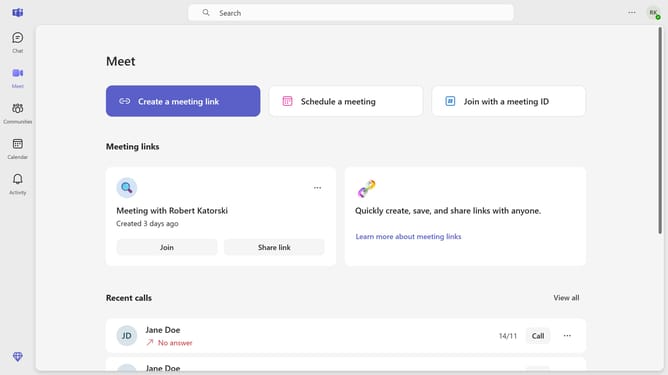
- Click on the "Personal" icon in the top-right corner of the header
- Click on the status option from the dropdown menu
- Select "Available" status from the status dropdown menu
Why should you set your status to available in Microsoft Teams
Microsoft Teams is a collaboration hub that enhances communication and teamwork within organizations.
Setting your status to "available" in Microsoft Teams is an effective way to let colleagues know you are ready to engage and collaborate.
This feature ensures seamless communication, as team members can easily identify when you are open for discussions, making workflows more efficient.
Staying available promotes connectivity and fosters a proactive work environment, enhancing productivity and strengthening team dynamics.
Last update