How to disable optional connected experiences in Microsoft Teams
Here is how to disable optional connected experiences in microsoft teams
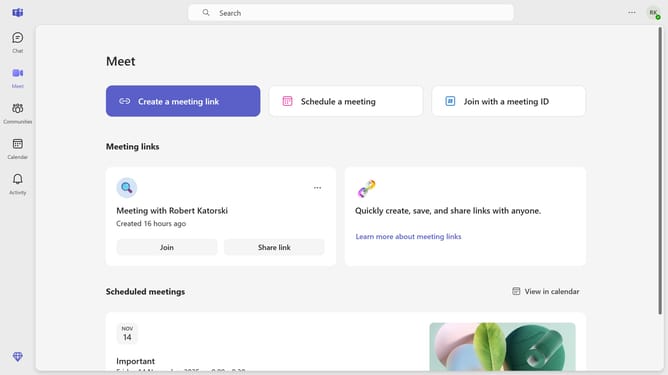
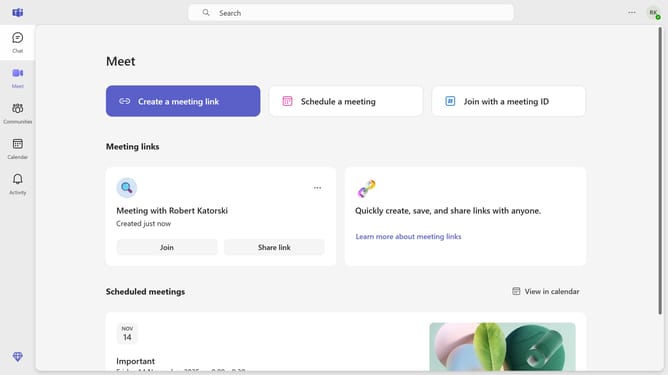
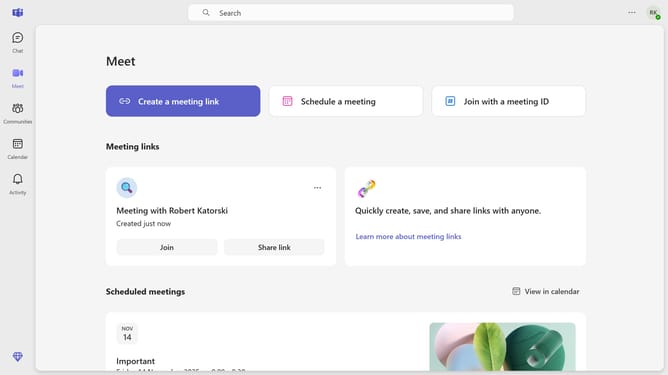
- First click on the "More options" button (three dots icon) in the top-right corner of the header
- Then click on "Settings" option in the dropdown menu
- Next click on "Privacy" option in the left sidebar navigation menu
- Scroll down in the privacy settings menu
- Finally locate and click the "Optional connected experiences" toggle switch to turn it off in the Privacy settings
Why should you disable optional connected experiences in Microsoft Teams
Microsoft Teams is a powerful collaboration platform that streamlines communication and teamwork for modern businesses.
One valuable feature in Teams is the ability to disable optional connected experiences, offering users greater control over their collaboration settings.
By disabling these features, you can enhance privacy and tailor the Teams experience to better fit your specific needs.
This customization ensures that your workflow remains secure and highly efficient, empowering teams to work smarter, not harder.
Last update