How to edit name of a scheduled meeting in Microsoft Teams
Here is how to edit name of a scheduled meeting in microsoft teams
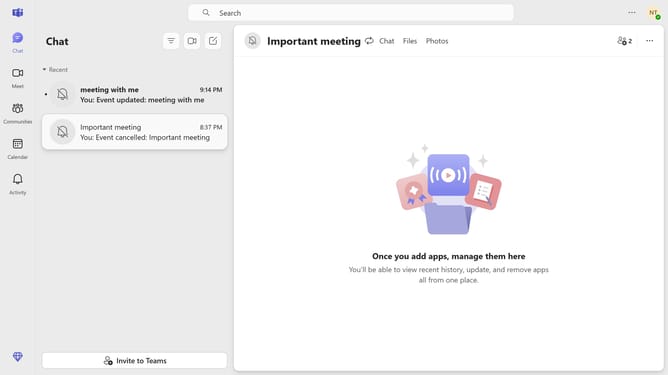
- First click on the "Recent" button in the left sidebar to view recent meetings
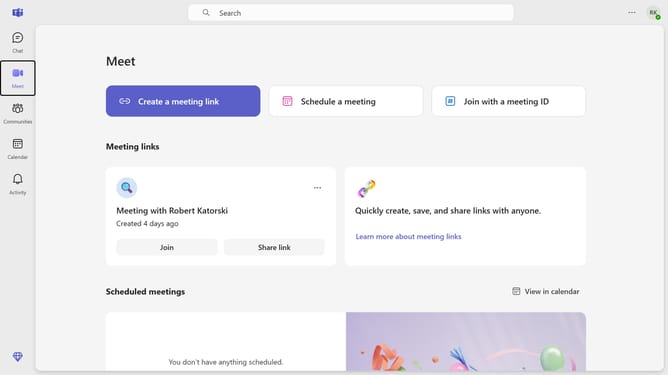
- Then scroll down in the Meeting menu
- Next click on the meeting card of the scheduled meeting that you want to edit the name for
- Then click on the meeting title and delete it
- Next type in your preferred title in the title input field
- Finally click on the "Send update" button in the top menu bar
Why should you edit name of a scheduled meeting in Microsoft Teams
Microsoft Teams is a powerful collaboration platform designed to bring together people, conversations, and content.
Editing the name of a scheduled meeting in Microsoft Teams is a simple yet effective feature that enhances organization and clarity. It empowers users to ensure their meetings' objectives are clearly communicated from the get-go.
This feature not only aids in keeping digital calendars tidy but also helps participants quickly recognize the meeting's purpose. Ultimately, it streamlines communication and boosts productivity by eliminating any potential confusion.
Last update