How to disable experiences that analyze your content in Microsoft Tems
Here is how to disable experiences that analyze your content in microsoft tems
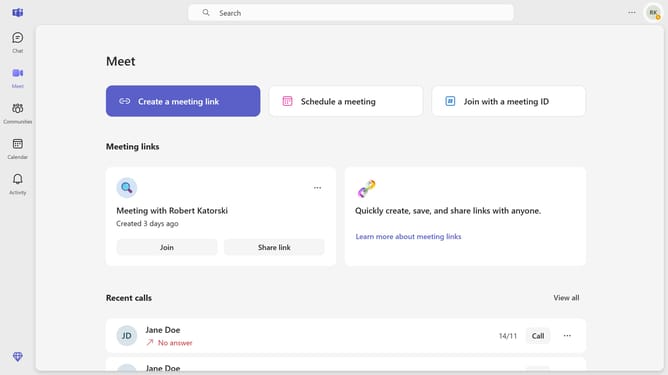
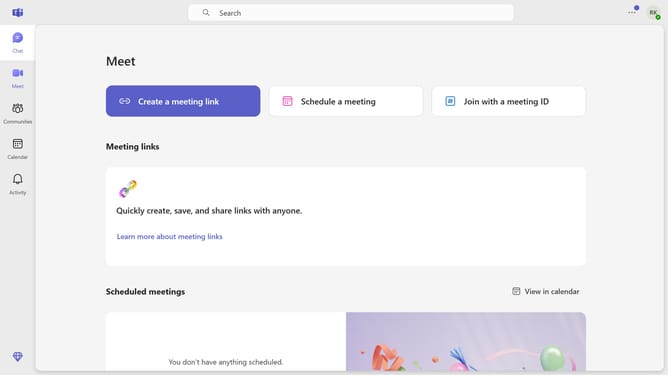
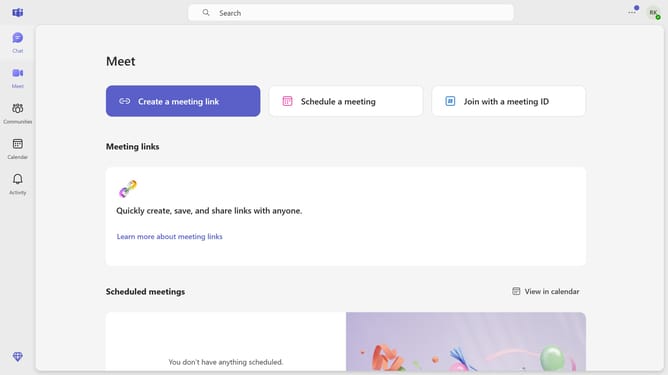
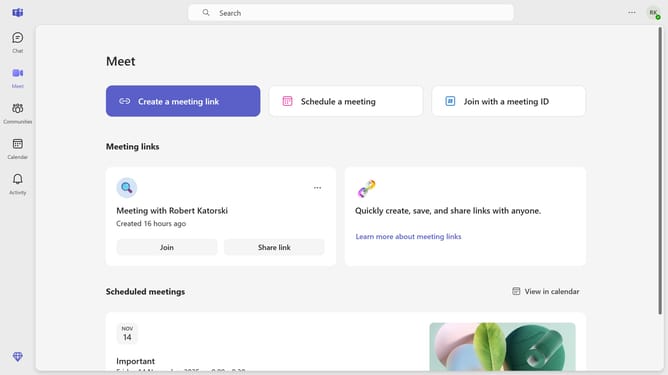
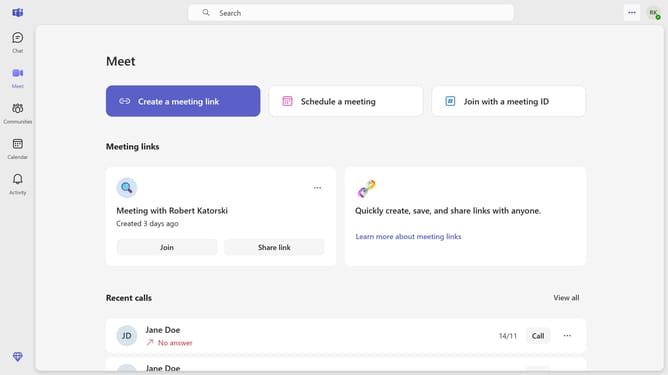
- First click on the "More options" button (three dots icon) in the top-right corner of the header
- Then click on "Settings" option in the dropdown menu
- Next click on "Privacy" option in the left sidebar settings menu
- Scroll down in the Privacy settings menu
- Finally click on the toggle switch for "Experiences that analyze your content" to turn it off
Why should you disable experiences that analyze your content in Microsoft Tems
Microsoft Teams is a dynamic collaboration hub for efficient teamwork and seamless communication.
Disabling content analysis experiences within Microsoft Teams can enhance privacy, offering more control over your data.
When these features are turned off, your files and communications remain untouched by automated analysis, fostering a more private interaction environment.
This adjustment benefits teams and individuals by maintaining a focus on privacy and ensuring sensitive information remains confidential.
Last update