How to enable desktop notifications when the Teams tab is not in view in Microsoft Teams
Here is how to enable desktop notifications when the teams tab is not in view in microsoft teams
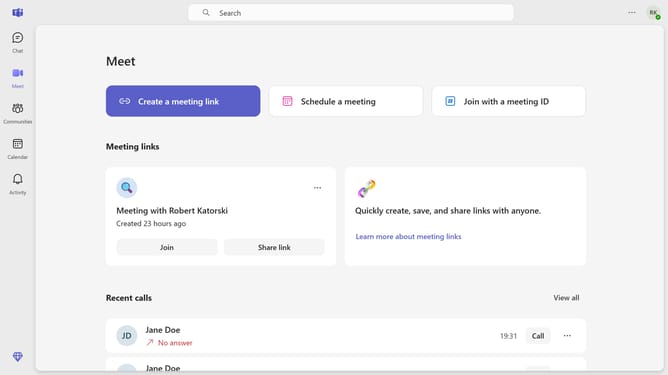
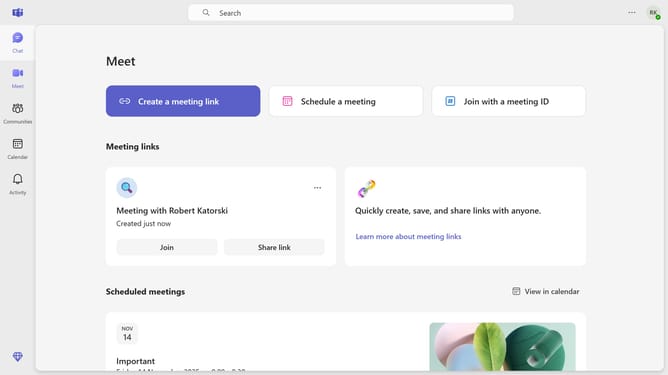
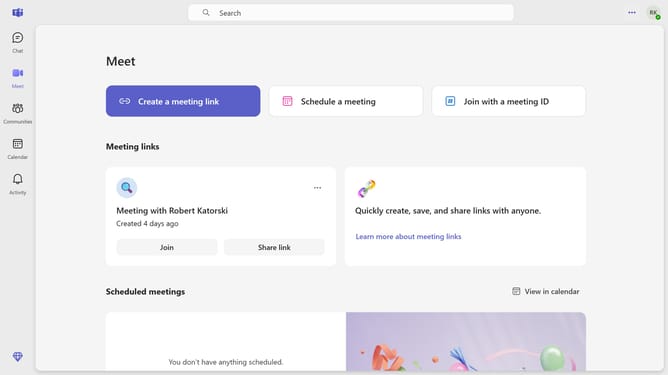
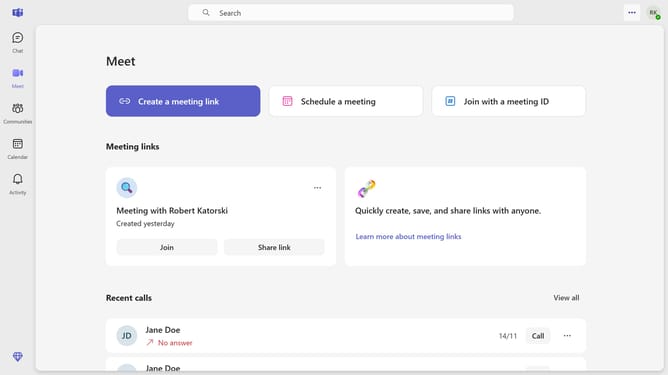
- First click on the ellipsis menu button in the top-right corner of the application header
- Then click on the "Settings" option in the dropdown menu
- Next click on "Notifications and activity" in the settings sidebar menu
- Then scroll down in the "Notifications and activity" option
- Finally click on the checkbox for "Show notifications on the desktop when my Teams tab is not in view" in the Display section
Why should you enable desktop notifications when the Teams tab is not in view in Microsoft Teams
Microsoft Teams is a premier collaboration tool designed to streamline communication and teamwork.
Enabling desktop notifications when the Teams tab is not in view ensures you're alerted to important messages or meetings, even if you're working in another application.
This feature is crucial for maintaining productivity, as it allows you to stay informed without constantly checking the Teams window.
By activating this feature, you maintain seamless team interactions, enhancing response times and fostering a connected work environment.
Last update