How to disable confirmation before leaving a meeting in Microsoft Teams
Here is how to disable confirmation before leaving a meeting in microsoft teams
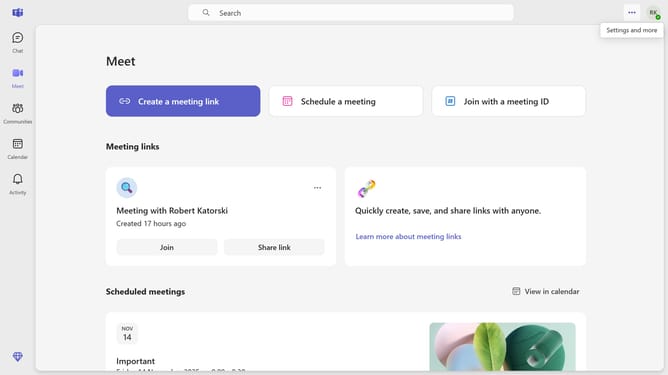
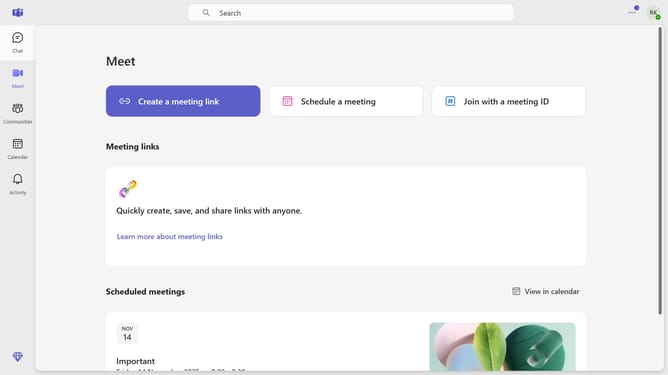
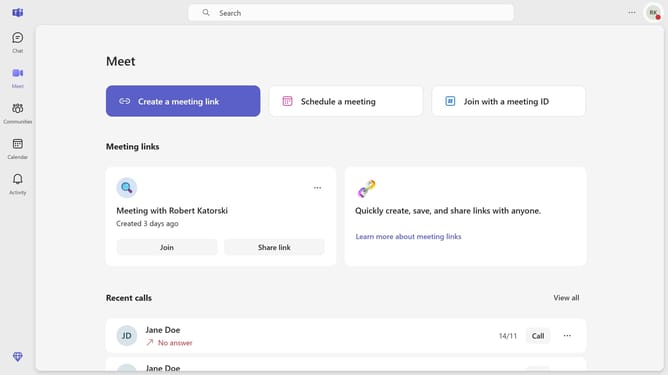
- First click on the "More options" button in the top-right corner of the window
- Then click on "Settings" option in the dropdown menu
- Finally, in the Settings panel, uncheck the "Ask me to confirm when I leave a meeting" checkbox under the General section
Why should you disable confirmation before leaving a meeting in Microsoft Teams
Microsoft Teams is a dynamic collaboration platform designed to enhance teamwork through seamless communication.
One useful feature in Microsoft Teams is the ability to disable confirmation prompts before leaving a meeting. This can streamline your workflow by reducing unnecessary interruptions, allowing for a smoother conference experience.
By disabling this confirmation, you save time, especially during fast-paced meetings where decisions and information move quickly. This feature empowers efficiency, ensuring your focus remains on what's important.
Last update