How to enable message and content previews in Microsoft Teams
Here is how to enable message and content previews in microsoft teams
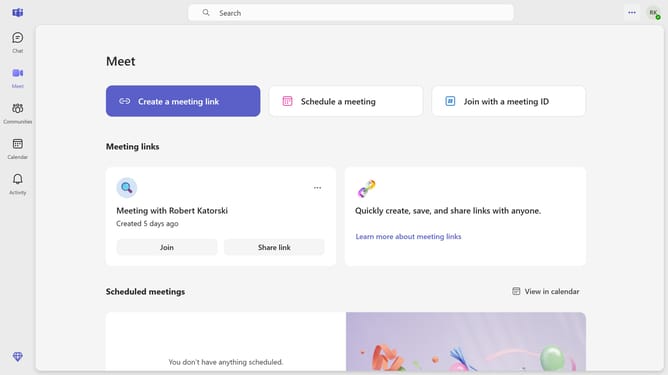
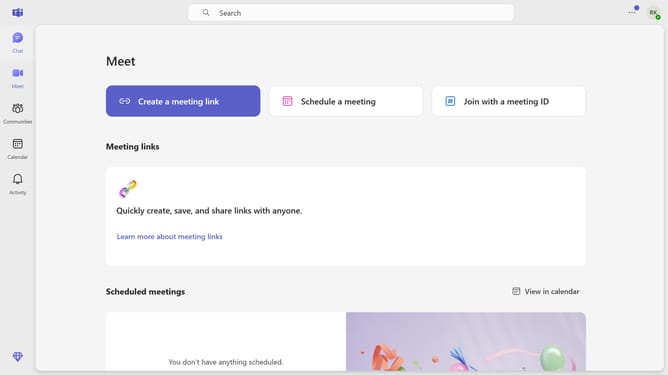
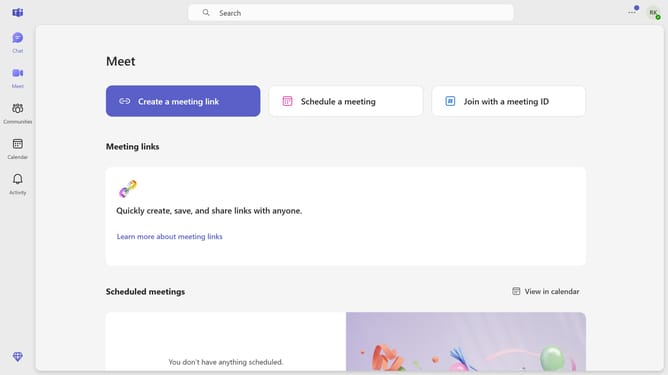
- First click on the "More options" three-dot button in the top-right corner of the Teams interface
- Then click on the "Settings" option from the dropdown menu
- Next select "Notifications and activity" from the left sidebar settings menu
- Finally check the "Show message and content previews in notifications" option in the Display section
Why should you enable message and content previews in Microsoft Teams
Microsoft Teams is a powerful platform designed to streamline communication and collaboration within organizations.
By enabling message and content previews, users can swiftly grasp the essence of new messages without opening each one. This feature enhances productivity by allowing team members to prioritize and respond quickly.
Ultimately, these previews facilitate a more efficient communication flow, ensuring nothing vital is overlooked amid busy work days. Experience the benefits of staying informed at a glance.
Last update