How to unmute meeting chat notifications in Microsoft Teams
Here is how to unmute meeting chat notifications in microsoft teams
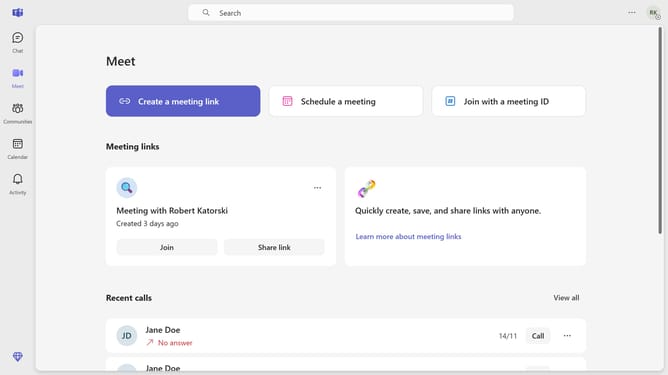
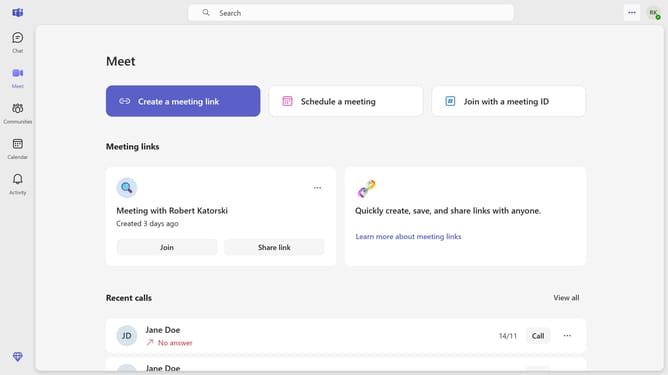
- First click on the ellipsis menu ("...") in the top-right corner of the Teams window
- Then click on "Settings" in the dropdown menu
- Click on "Notifications and activity" in the settings sidebar menu
- Scroll down in the Notifications and activity settings
- Click on the dropdown menu next to "Meeting chat notifications"
- Finally select "Unmute" from the dropdown options
Why should you unmute meeting chat notifications in Microsoft Teams
Microsoft Teams is the ultimate collaboration hub designed to streamline team communication and productivity.
Unmuting meeting chat notifications in Microsoft Teams ensures you stay in the loop with ongoing discussions, even while participating in active calls.
This feature is essential for seamless communication, allowing real-time updates and responses to crucial messages without missing a beat.
By ensuring you are alerted to every chat, it enhances teamwork efficiency and keeps you adaptable in fast-paced environments.
Last update