How to enable sign language mode in Microsoft Teams
Here is how to enable sign language mode in microsoft teams
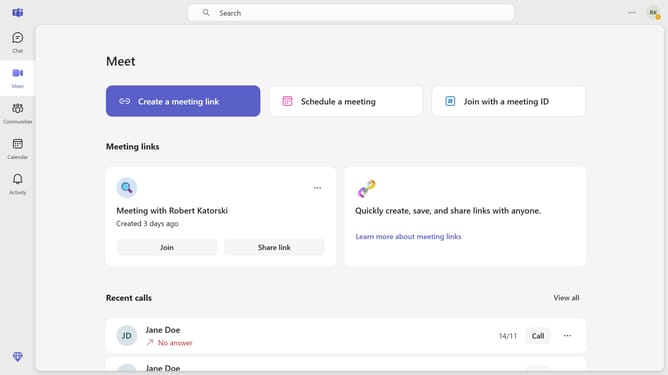
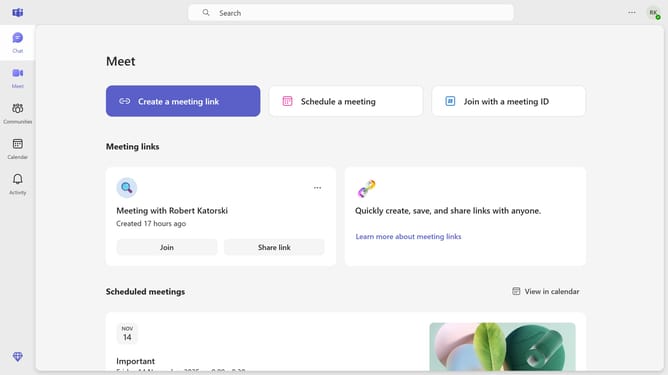
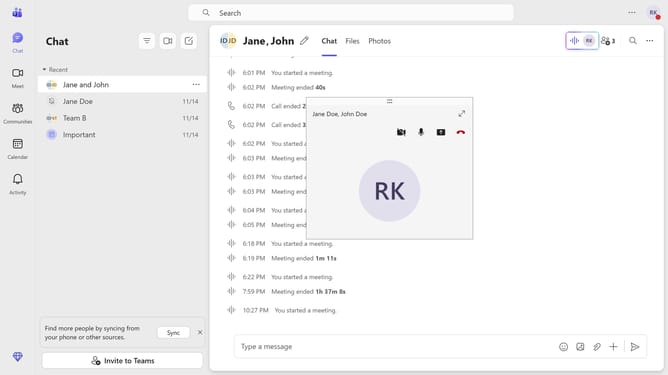
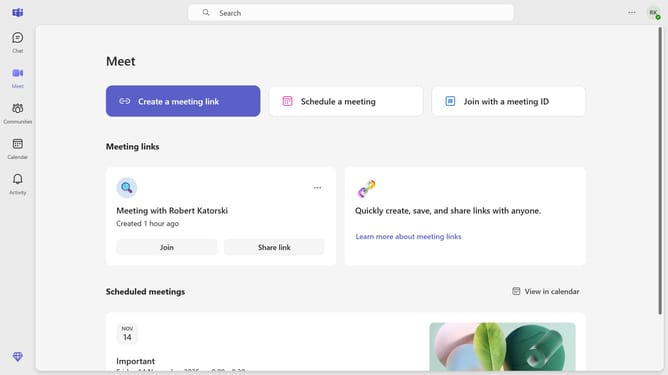
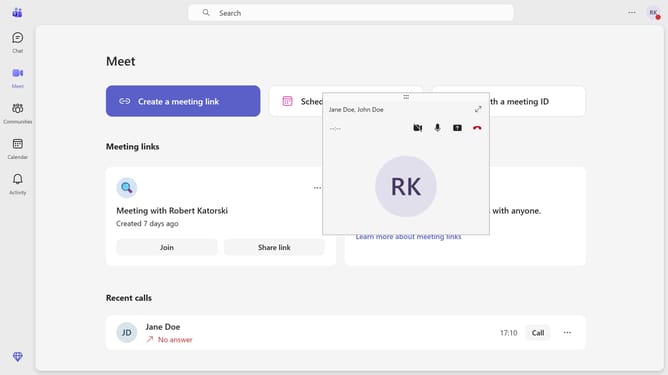
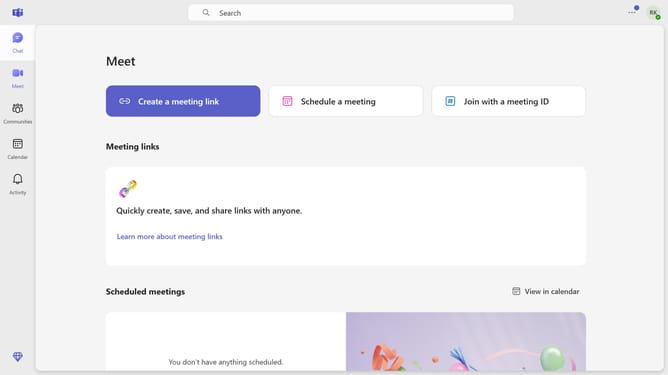
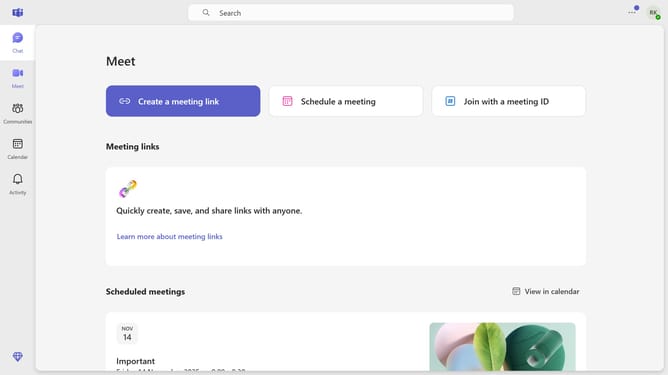
- First click on the "More options" button in the top-right corner of the header
- Then click on the "Settings" option in the dropdown menu
- Next click on the "Accessibility" option in the left sidebar settings menu
- Finally toggle the "Sign language mode" switch to enable it in the Accessibility settings
Why should you enable sign language mode in Microsoft Teams
Microsoft Teams is a dynamic communication platform designed for seamless collaboration.
The Sign Language Mode in Microsoft Teams is a valuable feature that enhances inclusivity by allowing users to better communicate through visual cues.
This feature is essential for creating an accessible environment, ensuring that meetings are engaging for participants who use sign language.
With a focus on visual engagement, it drastically improves comprehension and ensures equity in virtual meetings.
Last update