How to filter chats by conversations in Microsoft Teams
Here is how to filter chats by conversations in microsoft teams
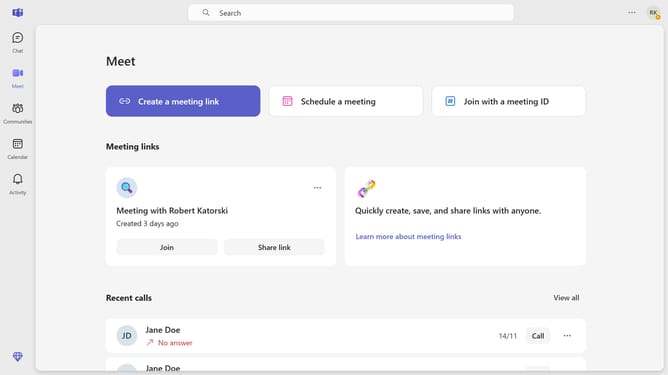
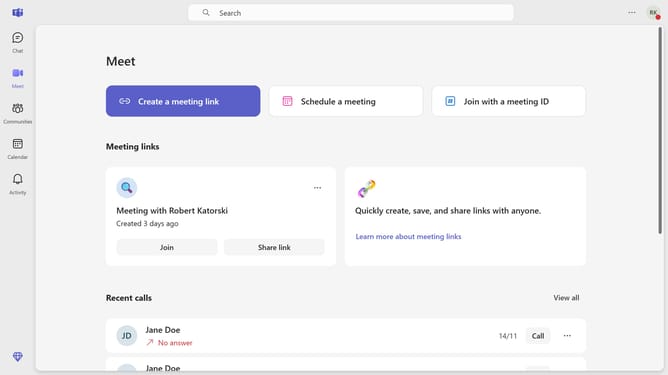
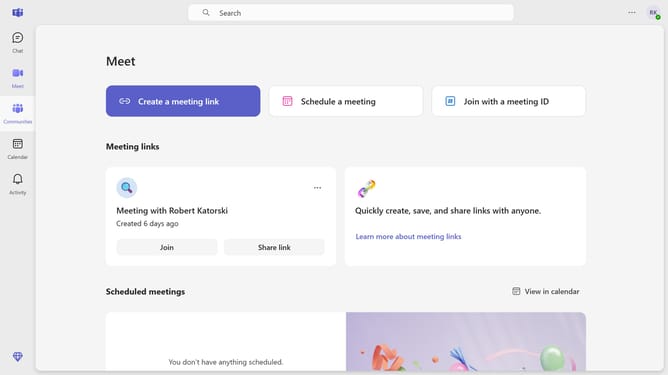
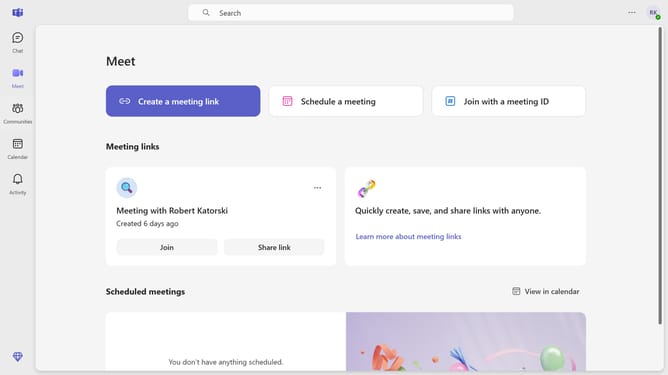
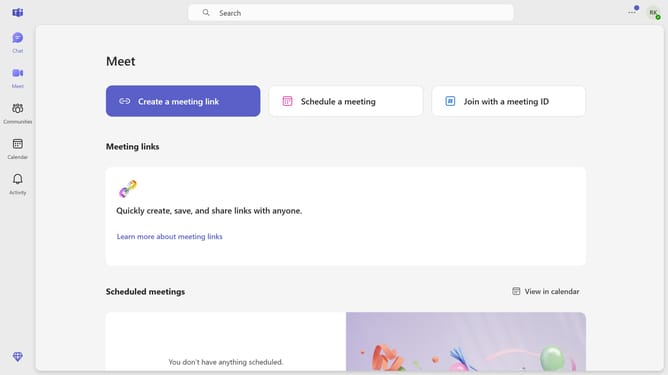
- First click on the "Chat" icon in the left sidebar
- Then click on the hamburger menu button in the chat header
- Next click on the filter icon in the chat sidebar
- Finally select the "Chats" option from the filter dropdown menu
Why should you filter chats by conversations in Microsoft Teams
Microsoft Teams is a dynamic collaboration platform designed to streamline communication and teamwork within organizations.
Filtering chats by conversation in Microsoft Teams is a superb feature that greatly enhances productivity and focus. This functionality allows users to effortlessly sift through numerous chats, honing in on specific threads of interest.
By narrowing down conversations, users can effectively manage their time and reduce noise, ensuring important messages aren't buried.
This feature not only boosts efficiency but also supports a more organized and stress-free communication experience.
Last update