How to undo a priority label on a message in Microsoft Teams
Here is how to undo a priority label on a message in microsoft teams
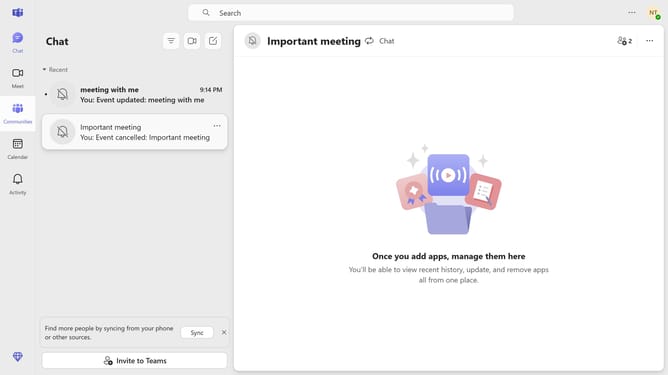
- First click on the "Chat" button in the top menu
- Then hover your mouse cursor over a message that is marked as important
- Next click the "Edit" icon in the message formatting toolbar
- Then click the "+" button to open additional formatting options
- Click to show the "Delivery options" menu
- Select "Standard" option from the delivery options dropdown
- Finally click the "Send" button to update the priority label
Why should you undo a priority label on a message in Microsoft Teams
Microsoft Teams seamlessly bridges the gap of communication and collaboration in a professional setting, fostering productivity and connection.
In the midst of a dynamic conversation, priority labels allow us to categorize messages based on urgency. However, circumstances change, and you might need to undo a priority label on a message.
Undoing this label is beneficial because it helps maintain an accurate flow of communication, ensuring that only messages truly requiring immediate attention are highlighted.
This flexibility supports organized and effective team communication, preventing information overload.
Last update