How to disable approval for joining a community in Microsoft Teams
Here is how to disable approval for joining a community in microsoft teams
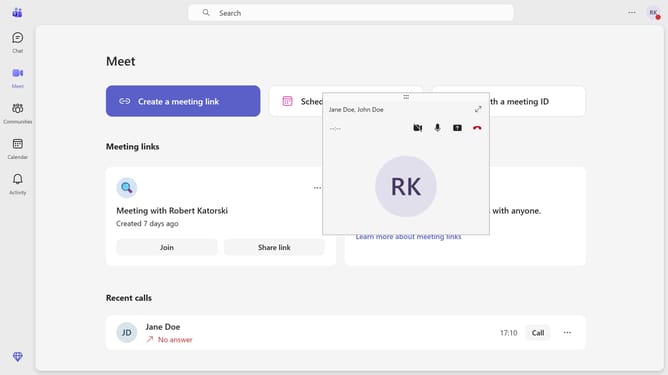
- First click on the "Communities" icon in the left sidebar
- Then click the community channel where you want to disable approval to join
- Next click on the "Settings" gear icon in the top toolbar
- Then click on the "Settings" tab in the community navigation menu
- Next toggle off the switch under "Require approval to join" in the join settings section
- Finally click on the "Turn off" button in the confirmation dialog
Why should you disable approval for joining a community in Microsoft Teams
Microsoft Teams is a dynamic collaboration platform that enables seamless teamwork and communication.
Disabling approval for joining a community in Microsoft Teams streamlines the onboarding process. It provides users with the freedom to join communities and start engaging instantly without waiting for admin approval.
This feature encourages more spontaneous and organic collaboration, fostering a vibrant community environment. By simplifying access, it also reduces administrative workload, aligning with the platform's goal of efficiency and connectivity.
Last update