How to disable dark theme for all calls and meetings in Microsoft Teams
Here is how to disable dark theme for all calls and meetings in microsoft teams
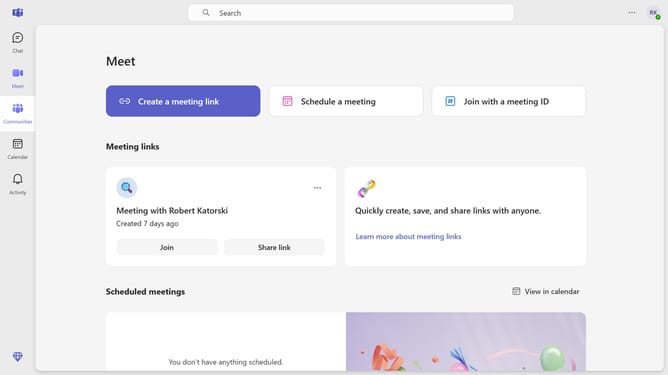
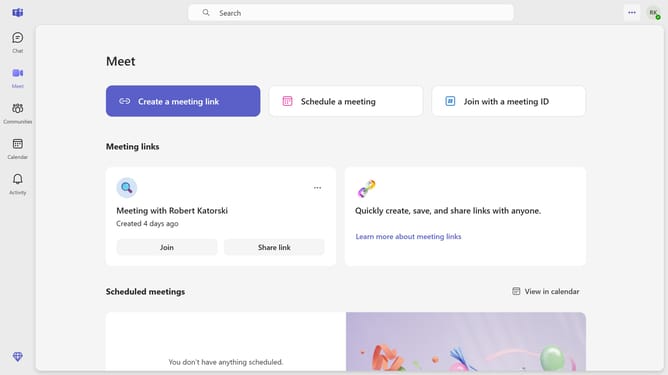
- First click on the "More options" button in the top-right corner of the window
- Then click on "Settings" option from the dropdown menu
- Next select "Appearance" from the left sidebar menu
- Finally uncheck the checkbox for "Always use dark theme for calls and meetings" in the Appearance settings
Why should you disable dark theme for all calls and meetings in Microsoft Teams
Microsoft Teams is an essential collaboration platform designed to enhance productivity and streamline communication.
Disabling the dark theme during all calls and meetings in Microsoft Teams can improve visibility and clarity, especially in brightly lit environments.
This feature helps reduce eye strain for users who prefer a lighter interface, promoting an overall more comfortable experience.
By disabling the dark theme, you can create a consistent look across your digital workspace, which can contribute to a seamless workflow.
Last update