How to edit your display name in Microsoft Teams
Here is how to edit your display name in microsoft teams
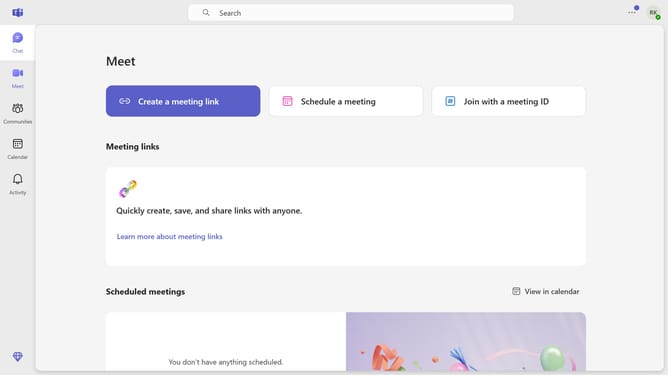
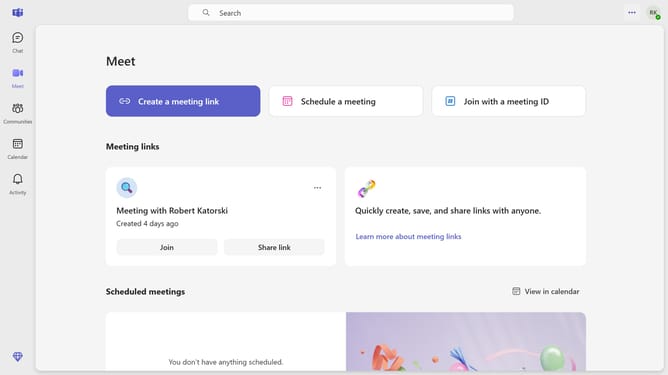
- First click on the profile icon in the top-right corner of the header
- Then click on the "Edit display name" button in the profile dropdown menu
- Next edit the information based on your desired display name
- Finally click on the "Save" button in the "Edit name" dialog
Why should you edit your display name in Microsoft Teams
Microsoft Teams is a collaborative platform designed to bring people together through chat, meetings, and file sharing.
One useful feature of Microsoft Teams is the ability to edit your display name. This allows for a personalized workspace where you can present yourself in a way that feels right to you.
Updating your display name enhances your identity within your professional network, fostering clearer communication and stronger connections. This feature ensures that your digital persona aligns seamlessly with your personal brand, boosting both recognition and engagement.
Last update