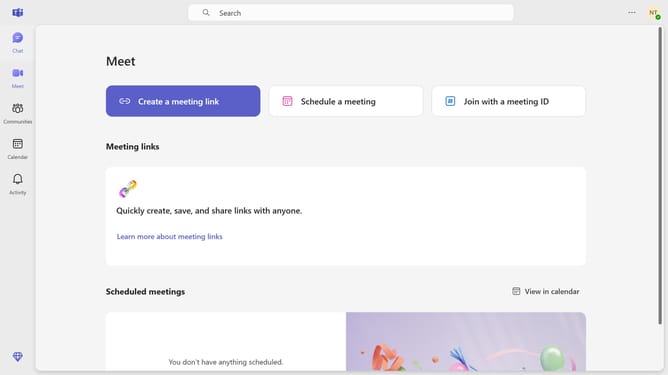
How to add invite members to a channel in Microsoft Teams
Here is how to add invite members to a channel in microsoft teams
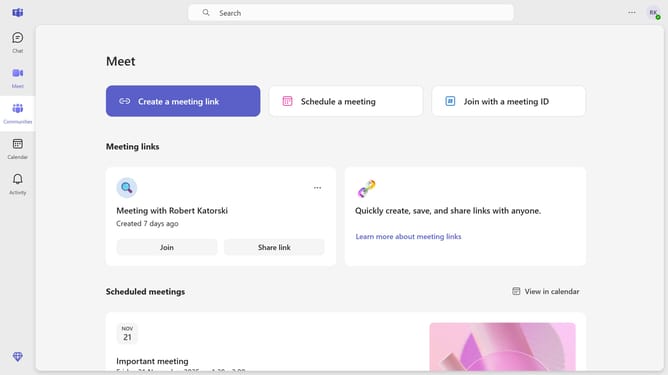
- First click on the "Communities" icon in the left sidebar
- Then click on the community where you want to invite members
- Next click on the "Invite members" quick action button in the community setup section
- Then click in the text field labeled "Enter name, email or phone number" and type in the email, name or phone number of the person you want to invite
- Finally click the "Send" button to send the invitation
Why should you add invite members to a channel in Microsoft Teams
Microsoft Teams is a dynamic collaboration platform designed to enhance communication and teamwork in the workplace.
Adding and inviting members to a channel is an intuitive feature that boosts team productivity by ensuring everyone who needs access has it seamlessly. By inviting members, you ensure that your team can collaborate, share ideas, and stay updated, making project work more cohesive.
This feature not only saves time but also streamlines the communication process by keeping everyone in the loop and fostering an inclusive work environment.
Last update