How to enable mirroring your video in Microsoft Teams
Here is how to enable mirroring your video in microsoft teams
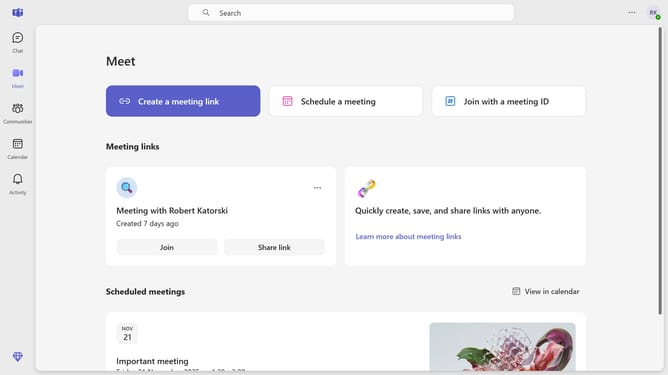
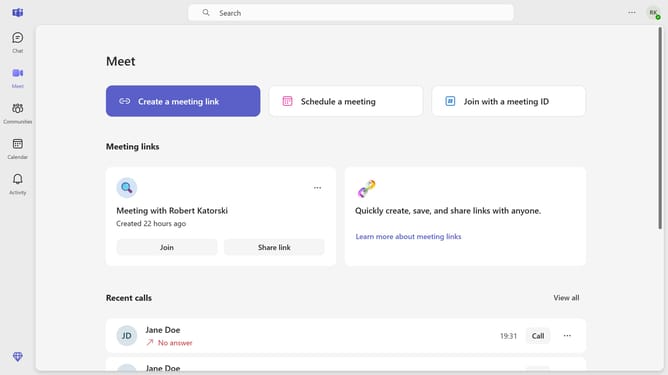
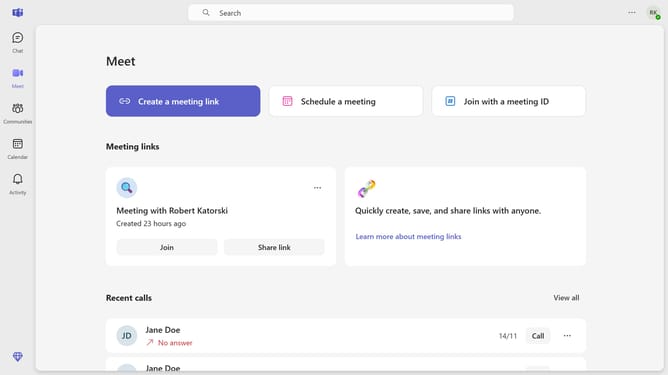
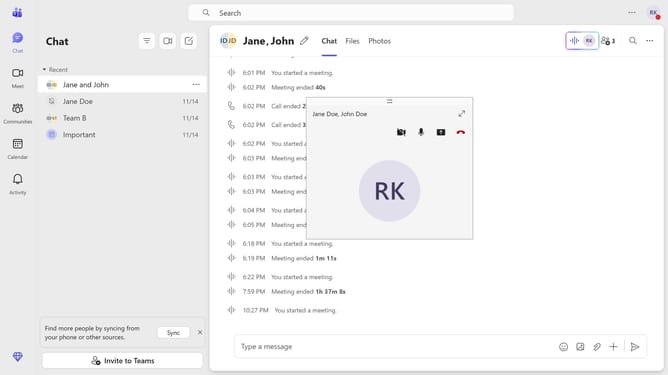
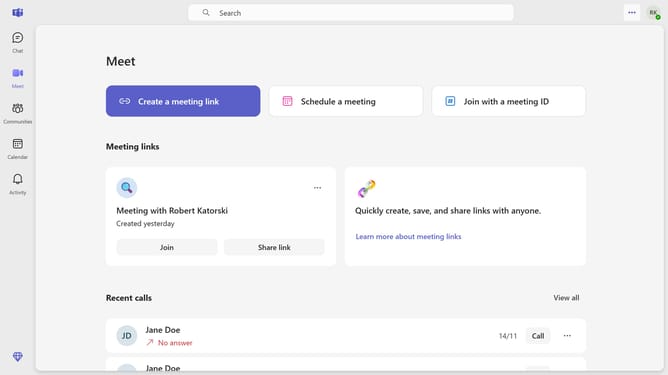
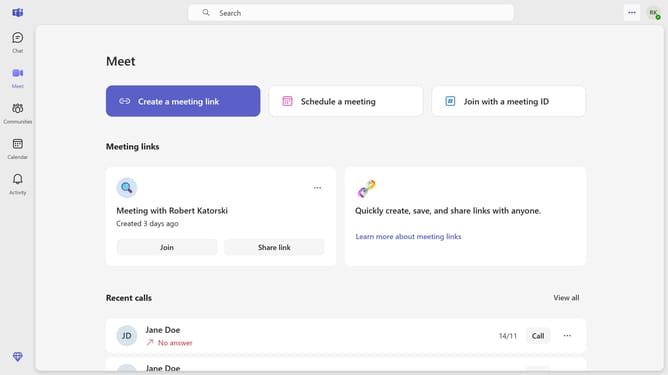
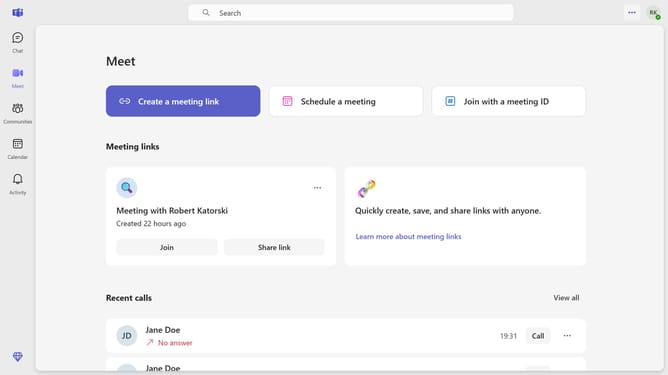
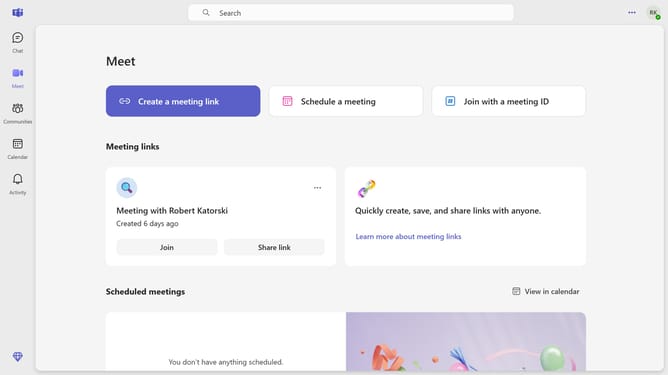
- First click on the "More options" button (three dots icon) in the top-right corner of the header
- Then click on "Settings" option in the dropdown menu
- Next click on "Devices" option in the left sidebar navigation menu
- Finally click on the "Mirror my video" toggle switch to turn it on
Why should you enable mirroring your video in Microsoft Teams
Microsoft Teams is a dynamic collaboration tool designed to enhance communication and productivity within teams.
Enabling the mirroring your video feature in Microsoft Teams can provide a more intuitive experience during video meetings. This feature allows you to see yourself as others see you, making your image appear in the same orientation as people naturally view themselves.
This is particularly beneficial for users who may need to present materials or use body language effectively, ensuring everything appears the way it's intended to the audience.
Last update