How to ignore the spelling of words with numbers in Microsoft Teams
Here is how to ignore the spelling of words with numbers in microsoft teams
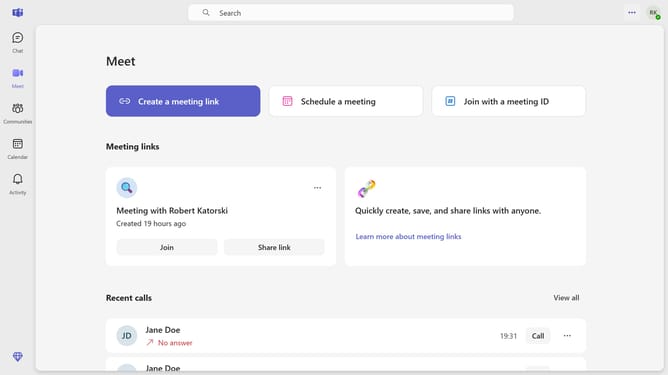
- First click the three-dot button in the top-right corner of the window
- Then click "Settings" from the dropdown menu
- Next scroll down in the General settings
- Finally, click the checkbox for "Ignore words with numbers" in the Editor spellcheck settings
Why should you ignore the spelling of words with numbers in Microsoft Teams
Microsoft Teams is a versatile platform designed to enhance collaboration across varied workplace settings.
For professionals frequently dealing with technical jargon, project codes, or innovative concepts that combine numbers with letters, the feature to ignore the spelling of words with numbers in Microsoft Teams is a time-saver.
By reducing unnecessary spelling alerts, this feature helps streamline communication and allows users to maintain their focus on the primary task—enhancing productivity and team synergy.
Last update