How to enable sound alerts when busy or in a meeting in Microsoft Teams
Here is how to enable sound alerts when busy or in a meeting in microsoft teams
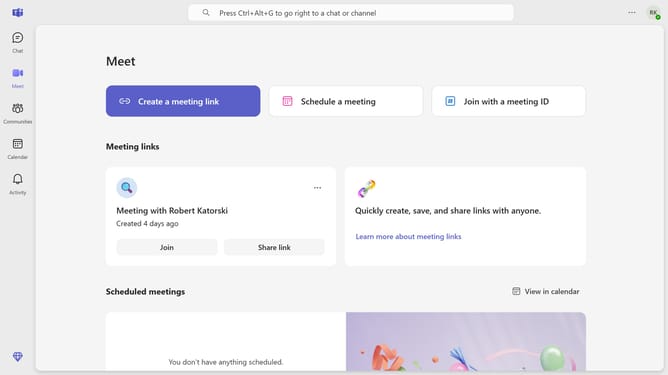
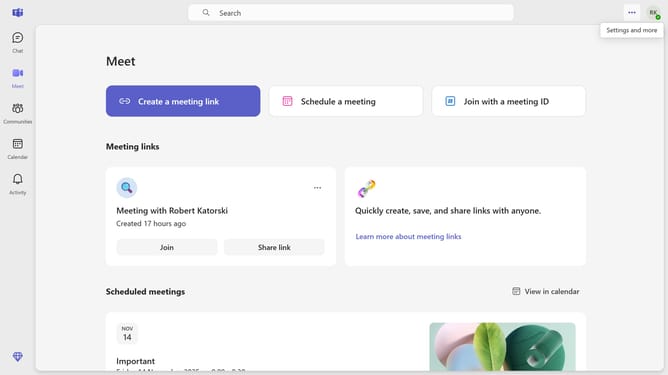
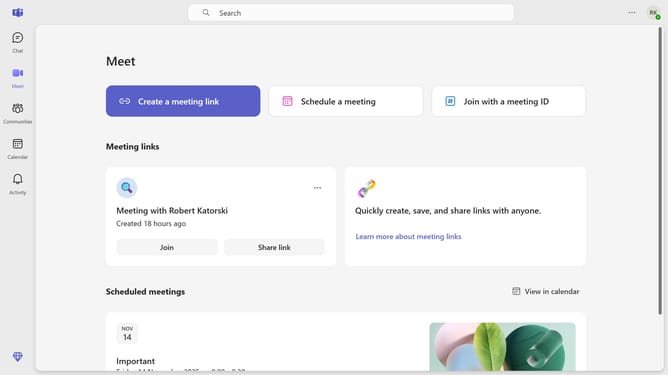
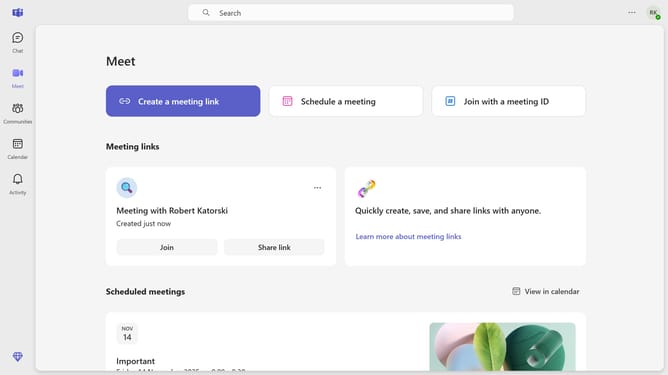
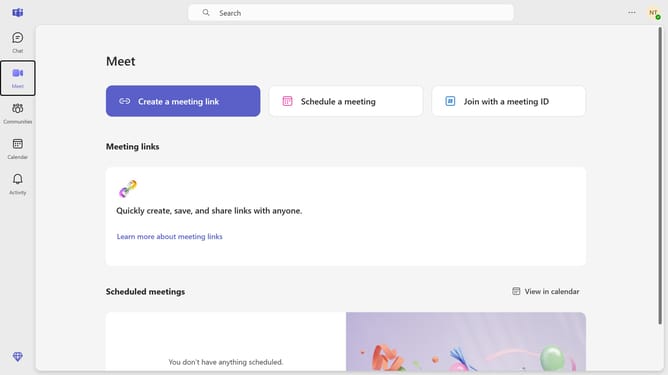
- First click on the "More" menu (three-dot icon) in the top-right corner of the window
- Then click on the "Settings" option in the dropdown menu
- Next click on "Notifications and activity" in the settings sidebar menu
- Finally uncheck the "Play sounds when I'm busy or in a meeting" checkbox in the Sound settings section
Why should you enable sound alerts when busy or in a meeting in Microsoft Teams
Microsoft Teams is a dynamic platform designed for seamless collaboration and communication within organizations.
Enabling sound alerts while you're busy or in a meeting ensures you never miss important notifications or updates. This feature offers a subtle yet effective way to stay informed without disrupting your tasks or discussions.
Sound alerts can enhance your productivity by allowing you to prioritize messages and actions efficiently. By keeping you aware of crucial developments, this feature helps maintain the flow of your communication, while also keeping your focus intact during busy schedules.
Last update