How to hide the meeting join bar in Microsoft Teams
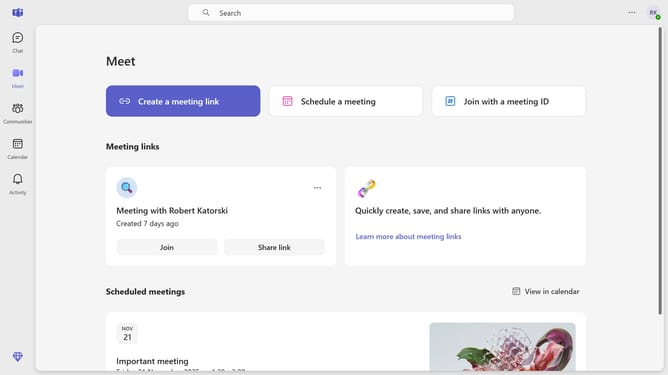
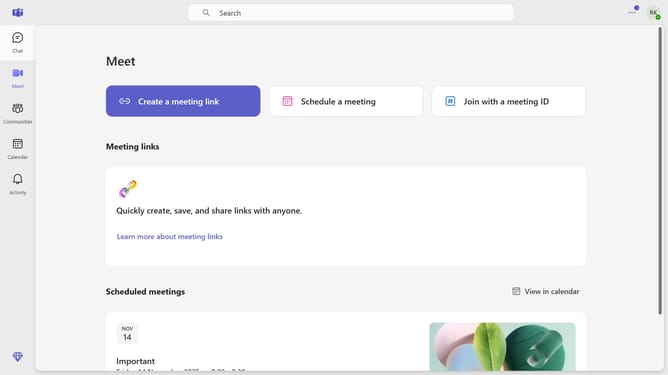
Here is how to hide the meeting join bar in microsoft teams
- First click on the settings menu icon in the top-right corner of the Teams interface
- Then click on the "Settings" option in the dropdown menu
- Next click on "Notifications and activity" in the left sidebar settings menu
- In the notifications settings panel, scroll down
- Finally, toggle the "Show meeting join bar" switch off in the Meetings section of the notification settings.
Why should you hide the meeting join bar in Microsoft Teams
Microsoft Teams is a robust communication platform designed to streamline collaboration for teams across the globe.
One valuable feature is the option to hide the meeting join bar. This allows users to maintain focus and avoid unnecessary distractions during work sessions, enhancing productivity and ensuring a seamless workflow.
By minimizing visual clutter, users can engage more effectively with the Teams environment, achieving clarity and maintaining a neat digital workspace. This feature supports efficient work habits, tailored to individual needs.
Last update