How to set a community event to recur yearly in Microsoft Teams
Here is how to set a community event to recur yearly in microsoft teams
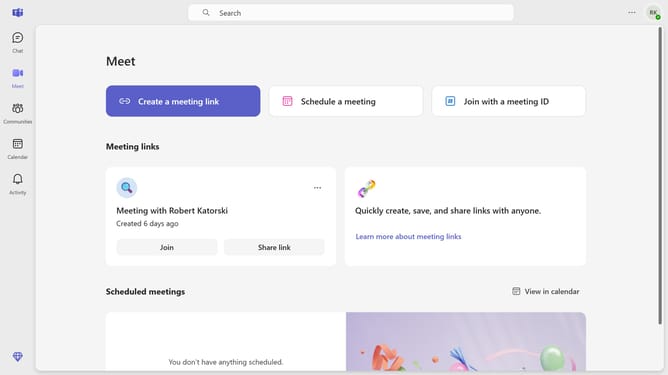
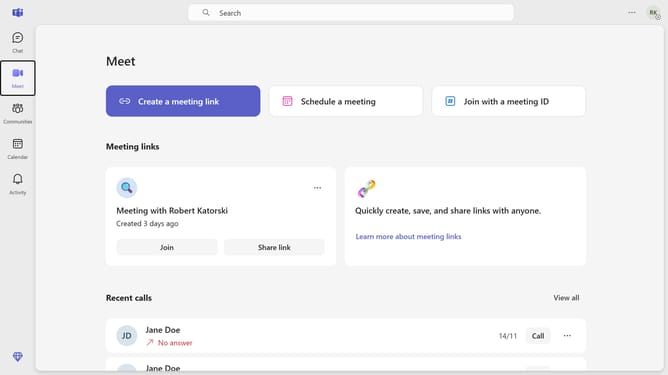
- First click on the "Communities" button in the left sidebar
- Then click a community channel in the left sidebar
- Next click on the "Events" button in the top navigation bar
- Then click on the "Edit" button next to the event
- Next click on the recurrence dropdown menu
- Then select "Yearly" option from the recurrence dropdown menu
- Next click on the "Save" button in the recurrence settings dialog
- Finally click on the "Send update" button in the top right corner
Why should you set a community event to recur yearly in Microsoft Teams
Microsoft Teams is a versatile communication platform that enhances collaboration and productivity in diverse communities.
Setting a community event to recur yearly in Microsoft Teams streamlines event management by ensuring nothing important is overlooked year after year.
This feature eliminates the need for repetitive scheduling, allowing you to focus on bringing people together.
By automating yearly events, you can enhance engagement and forge consistent connections within your community, fostering a sense of continuity and reliability.
Last update