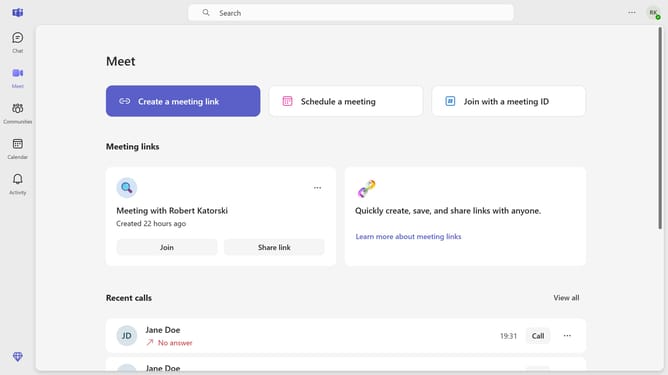
How to disable sound alerts when busy or in a meeting in Microsoft Teams
Here is how to disable sound alerts when busy or in a meeting in microsoft teams
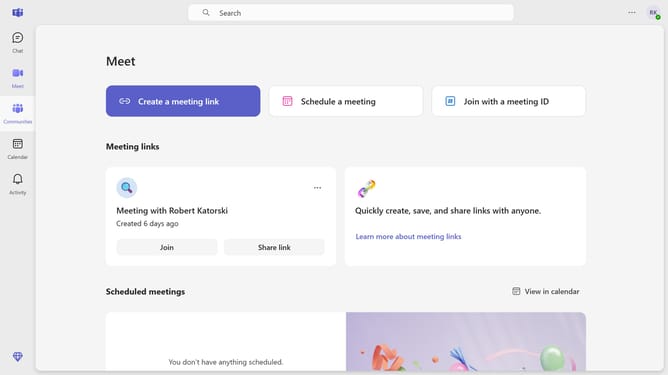
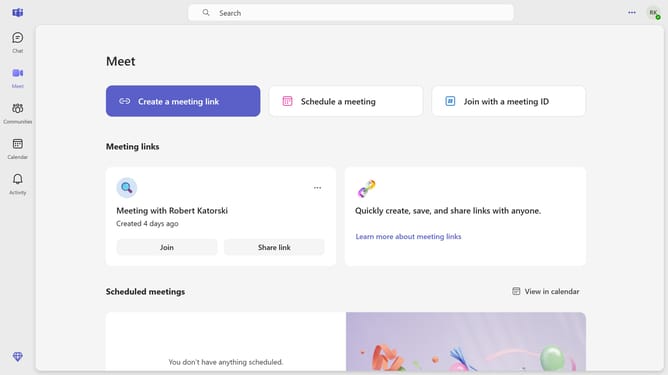
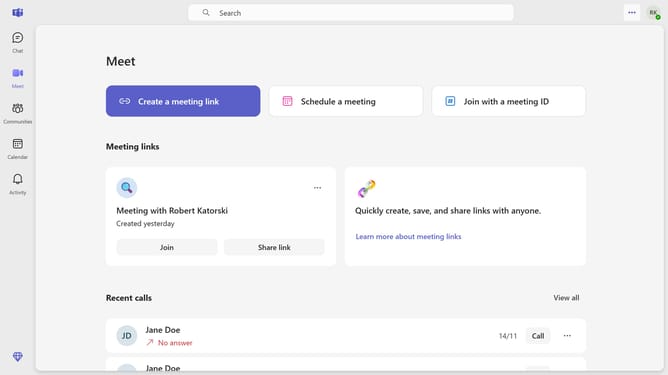
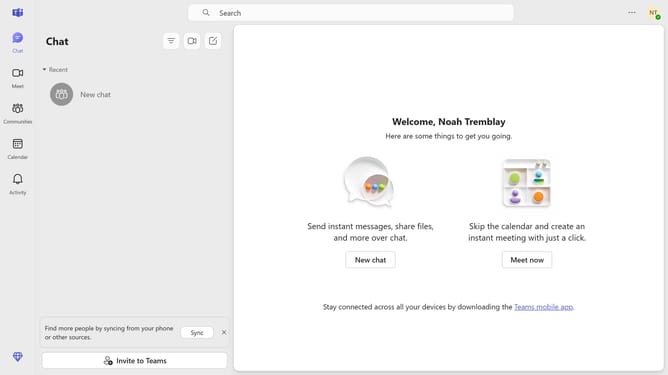
- First click on the three-dot icon in the top-right corner of the interface
- Then click on "Settings" option in the dropdown menu
- Click on "Notifications and activity" option in the settings sidebar
- Finally uncheck the "Play sounds when I'm busy or in a meeting" checkbox
Why should you disable sound alerts when busy or in a meeting in Microsoft Teams
Microsoft Teams is a powerful hub for collaboration and communication designed to enhance productivity.
One of its standout features is the ability to disable sound alerts during meetings or busy times, ensuring uninterrupted focus.
This feature is particularly beneficial for maintaining a professional atmosphere and respecting the need for quiet during critical discussions.
By muting distracting alerts, Teams helps users stay engaged and productive, fostering a more efficient work environment.
Last update