How to disable message and content previews in Microsoft Teams
Here is how to disable message and content previews in microsoft teams
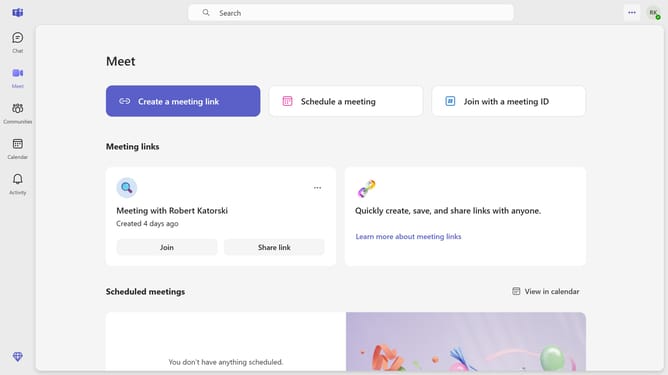
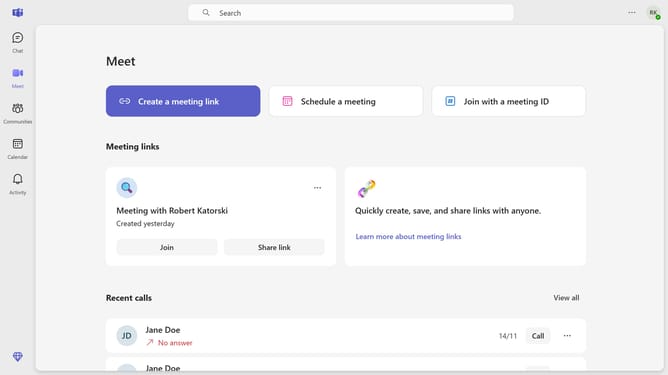
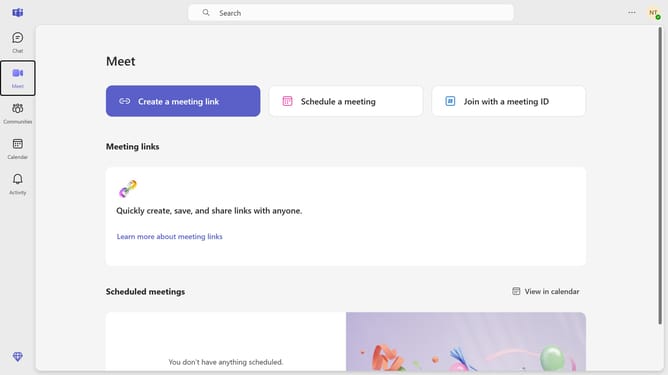
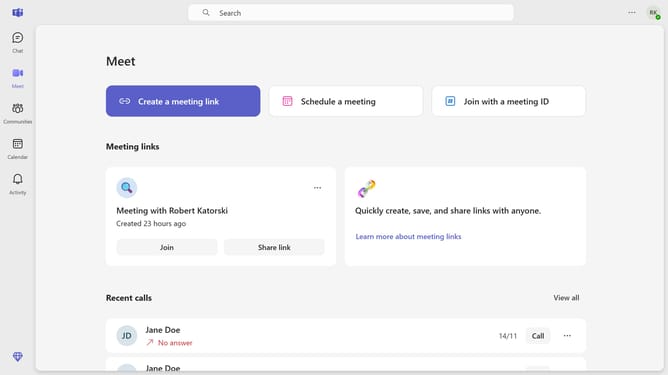
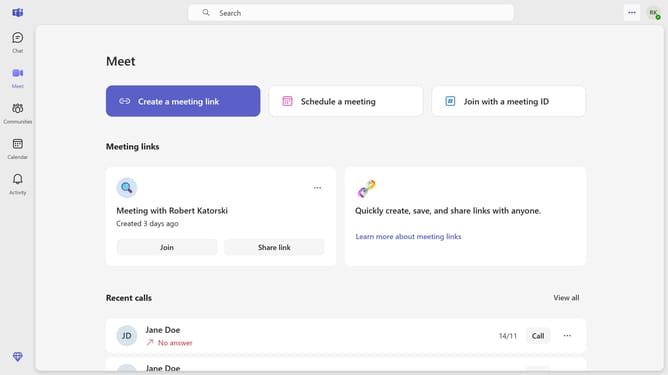
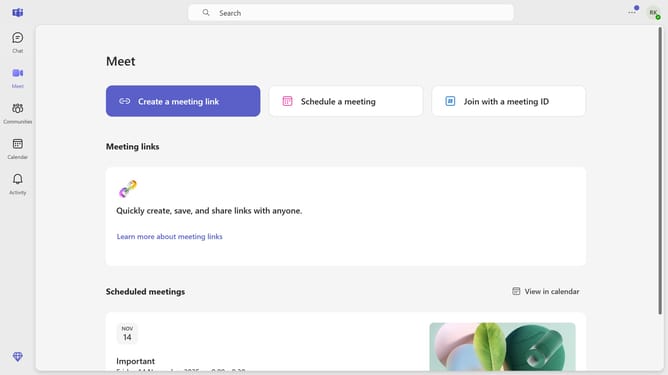
- First click on the three-dot icon in the top right corner of the header
- Then click "Settings" in the dropdown menu
- Next click on the "Notifications and activity" option in the settings sidebar
- Finally uncheck the "Show message and content previews in notifications" checkbox under the Display section of notification settings
Why should you disable message and content previews in Microsoft Teams
Microsoft Teams is a dynamic collaboration hub designed to streamline communication and teamwork.
By disabling message and content previews in Microsoft Teams, users gain enhanced privacy and focus. This feature provides the flexibility to minimize distractions, allowing for a more productive work environment.
Turning off message previews ensures sensitive information remains confidential, only visible when actively accessed. This prioritizes both security and concentration, making it an invaluable feature for focused professionals.
Last update