How to notify everyone in a group chat in Microsoft Teams
Here is how to notify everyone in a group chat in microsoft teams
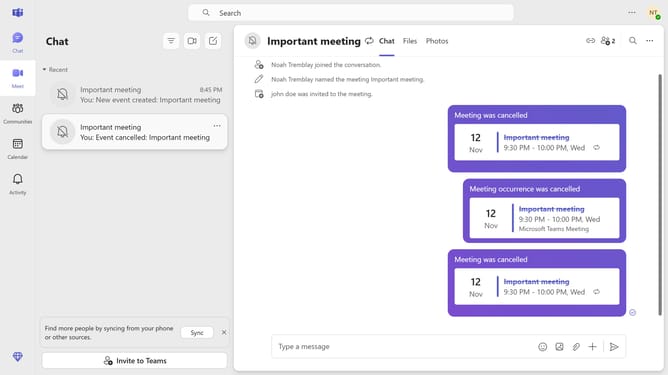
- First click on the "Chat" button in the top navigation menu
- Then click on a group chat in the chat list
- Next click on the "Type a message" input field at the bottom of the chat window and type in "@everyone"
- Then click on "Everyone" from the suggestions dropdown menu
- Finally click the "Send" button in the bottom-right corner of the message input area to notify everyone in the group chat
Why should you notify everyone in a group chat in Microsoft Teams
Microsoft Teams is a powerful collaboration tool designed to enhance teamwork and streamline communication.
One standout feature is the ability to notify everyone in a group chat, ensuring your message reaches all members at once. This is particularly useful in fast-paced environments where keeping everyone informed is crucial.
By notifying everyone with a single action, you enhance productivity and minimize miscommunications. This ensures that all team members stay aligned and can quickly react to important updates, fostering a more cohesive working environment.
Last update