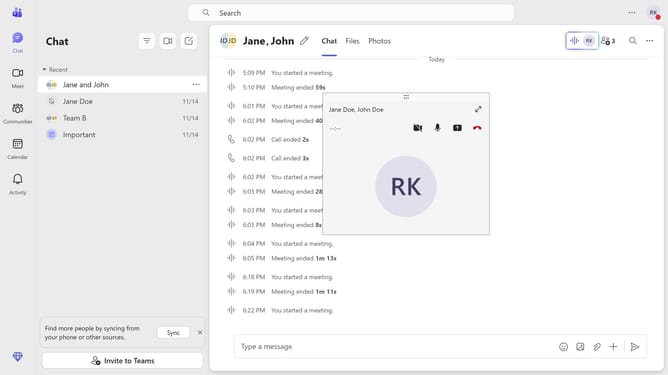
How to disable the app bar from staying visible when resizing in Microsoft Teams
Here is how to disable the app bar from staying visible when resizing in microsoft teams
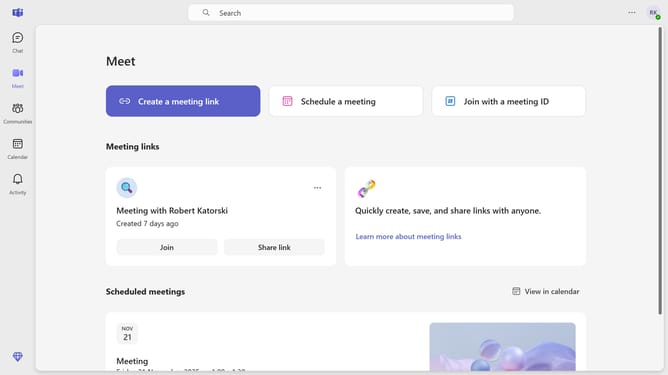
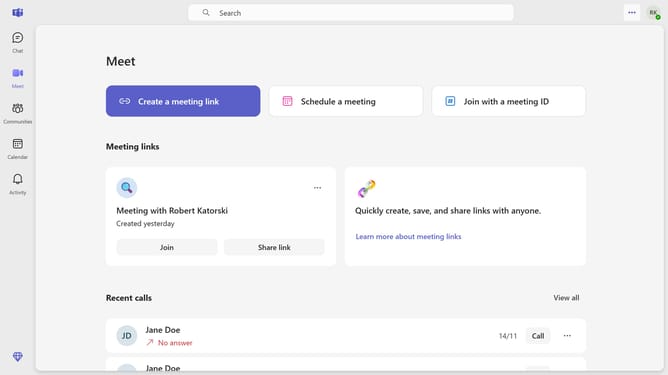
- First click on the "More options" button in the top-right corner of the Teams interface
- Then click the "Settings" from the dropdown menu
- Scroll down in the General settings menu
- Finally toggle the "Keep the app bar visible when resizing" switch off in the General settings section
Why should you disable the app bar from staying visible when resizing in Microsoft Teams
Microsoft Teams is a versatile platform designed to streamline communication and collaboration within organizations.
Disabling the app bar from staying visible during resizing in Microsoft Teams can significantly enhance your user experience.
This feature allows for a cleaner and more focused interface, minimizing distractions and enabling seamless multitasking.
By optimizing visual space, users can maintain their productivity without unnecessary clutter, ensuring an efficient workflow.
Last update