How to hide a chat in Microsoft Teams
Here is how to hide a chat in microsoft teams
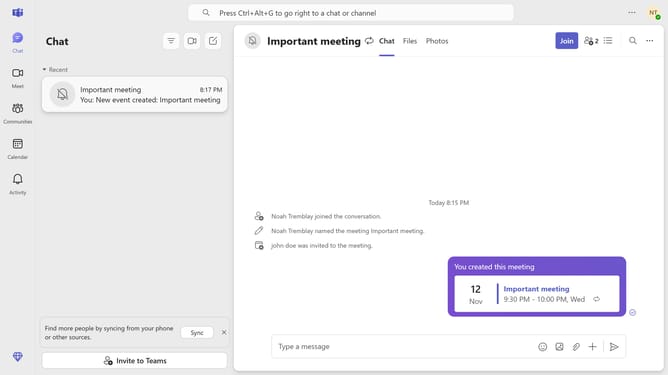
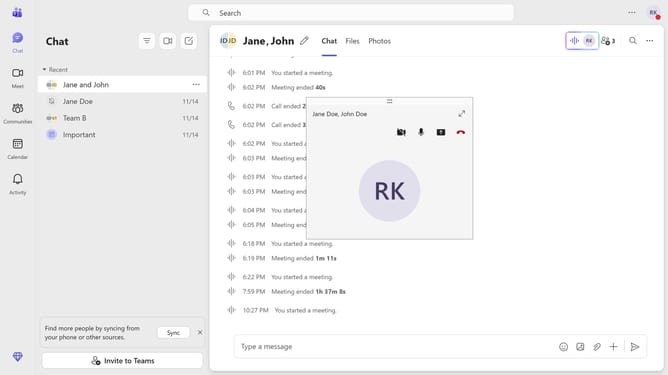
- First click on the "Chat" icon in the left sidebar
- Then click on the "More options" button (three dots) next to the message you want to hide
- Finally click on the "Hide" option from the context menu
Why should you hide a chat in Microsoft Teams
Microsoft Teams is a dynamic platform designed to enhance communication and collaboration among teams.
The ability to hide a chat in Microsoft Teams is a feature that helps users manage their chat lists more effectively.
By hiding chats, you can declutter your interface, making it easier to focus on the most important conversations.
Hiding chats can also help maintain privacy, keeping sensitive information away from immediate view without deleting it.
Last update