How to see who has read your message in a group chat in Microsoft Teams
Here is how to see who has read your message in a group chat in microsoft teams
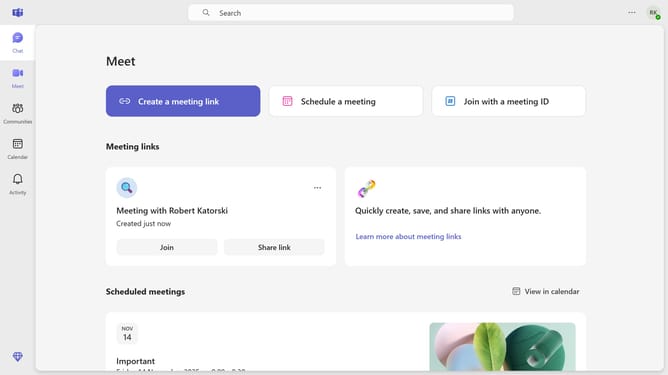
- First click on the "Chat" icon in the left sidebar
- Then hover your mouse cursor over the message you want to check if it has been seen
- Next click on the "More options" button (three dots) in the message options
- Finally, from the dropdown menu, you will see how many people have seen your message
Why should you see who has read your message in a group chat in Microsoft Teams
Microsoft Teams is a versatile platform designed to enhance collaboration and communication within organizations.
An essential feature of Microsoft Teams is the ability to see who has read your messages in a group chat. This not only helps in verifying that important information has been received by all team members but also fosters a more accountable and transparent communication environment.
By knowing when messages are read, you can streamline workflows and ensure timely responses, ultimately leading to improved team productivity and engagement.
Last update