How to enable dark theme for all calls and meetings in Microsoft Teams
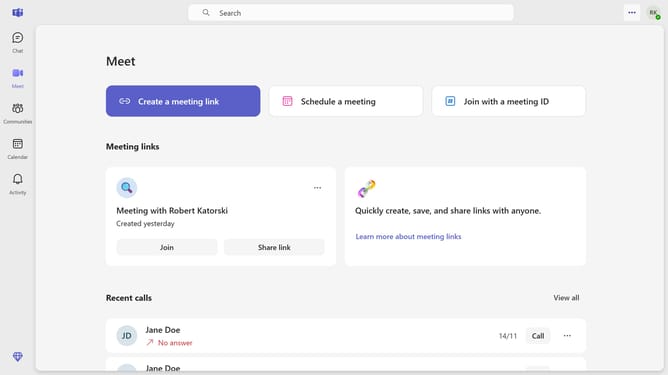
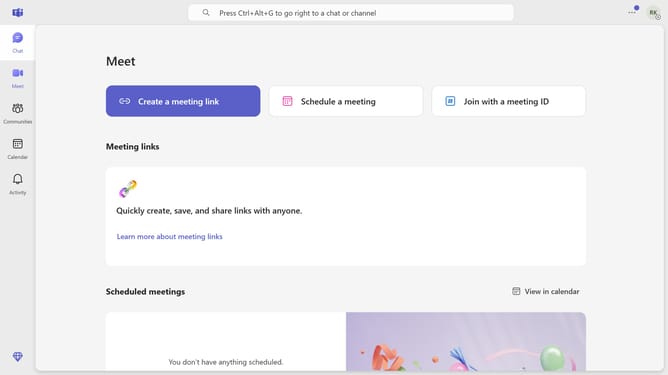
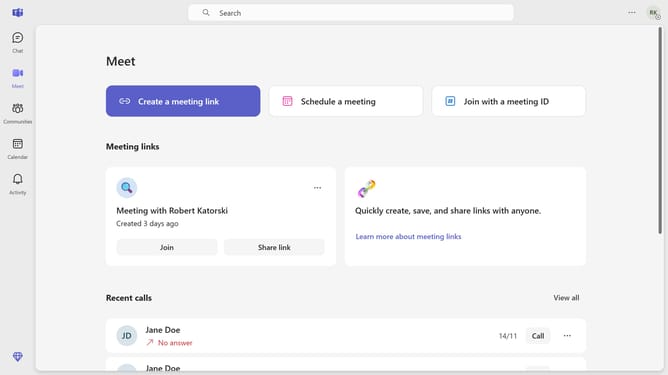
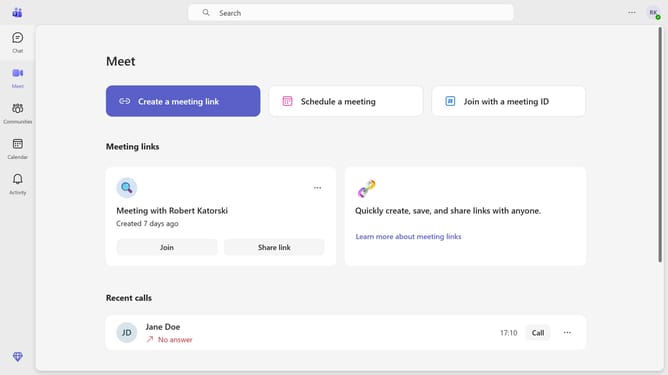
Here is how to enable dark theme for all calls and meetings in microsoft teams
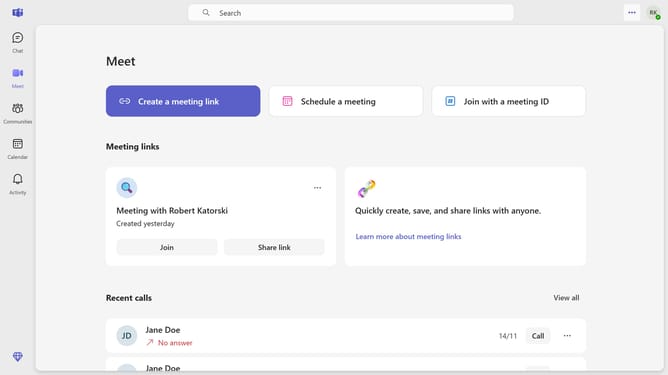
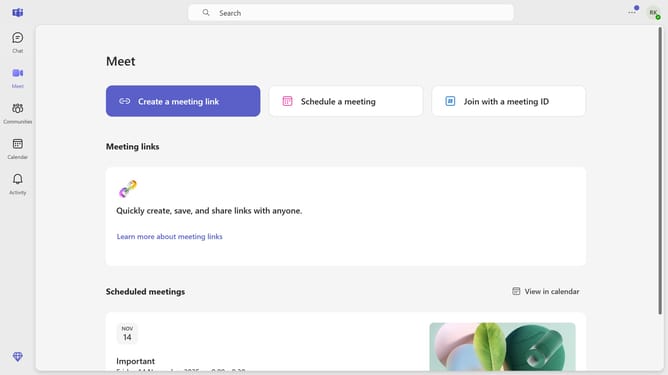
- First click on the more options menu in the top-right corner
- Then click on the "Settings" option from the dropdown menu
- Next click on "Appearance" in the left sidebar menu
- Finally click on "Always use dark theme for calls and meetings" checkbox in Appearance settings
Why should you enable dark theme for all calls and meetings in Microsoft Teams
Microsoft Teams is a collaborative platform designed to seamlessly connect people and enhance productivity in the digital workplace.
Enabling the dark theme for all calls and meetings in Microsoft Teams is more than just a visual preference. It reduces eye strain, especially during extended use, making it perfect for professionals who spend long hours in virtual meetings.
Using the dark theme can also extend the battery life of your device as it consumes less power compared to lighter themes. This feature enhances user comfort without compromising on functionality or aesthetic appeal, promoting a more ergonomic digital experience.
Last update