How to disable desktop notifications when the Teams tab is not in view in Microsoft Teams
Here is how to disable desktop notifications when the teams tab is not in view in microsoft teams
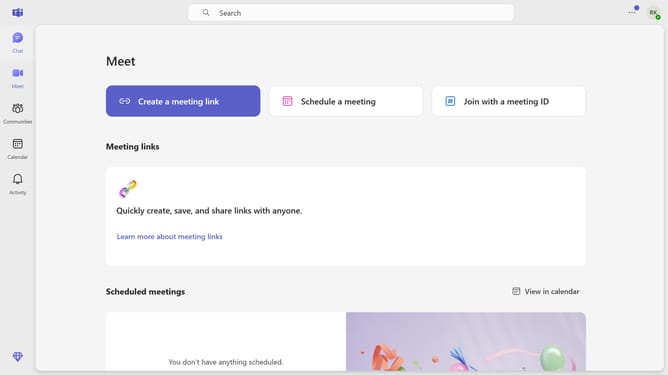
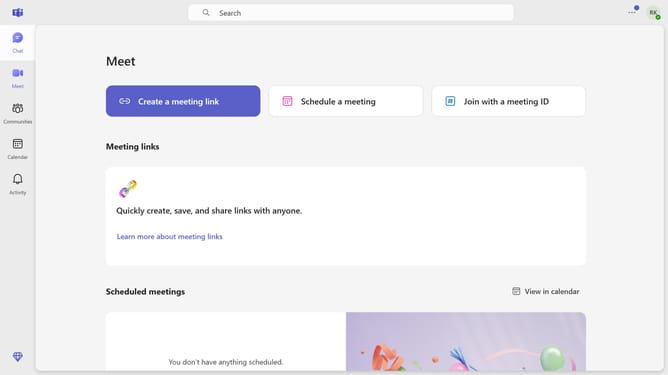
- First click on the "More" button in the top-right corner of the Teams window
- Then click on "Settings" option in the dropdown menu
- Next click on "Notifications and activity" in the settings sidebar menu
- Then scroll down in the "Notifications and activity" settings
- Finally uncheck the "Show notifications on the desktop when my Teams tab is not in view" checkbox in the Display section
Why should you disable desktop notifications when the Teams tab is not in view in Microsoft Teams
Microsoft Teams is a versatile collaboration platform designed to streamline communication and teamwork within organizations.
A handy feature within Teams is the ability to disable desktop notifications when the tab is not in view. This allows users to maintain focus without unnecessary interruptions, ensuring productivity remains high throughout the workday.
By utilizing this feature, professionals can manage their workflow more effectively, reducing distractions and allowing for deeper concentration on critical tasks.
Last update