How to view keyboard shortcuts in Microsoft Teams
Here is how to view keyboard shortcuts in microsoft teams
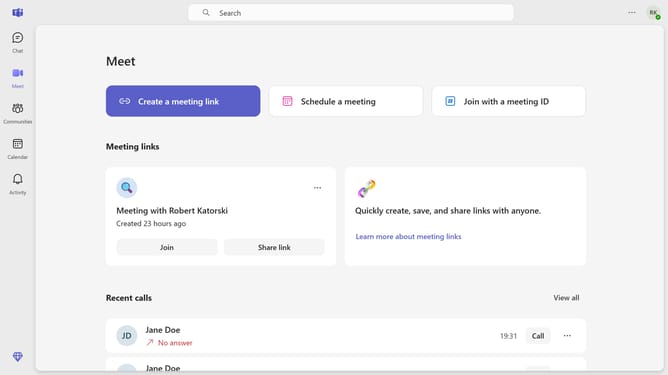
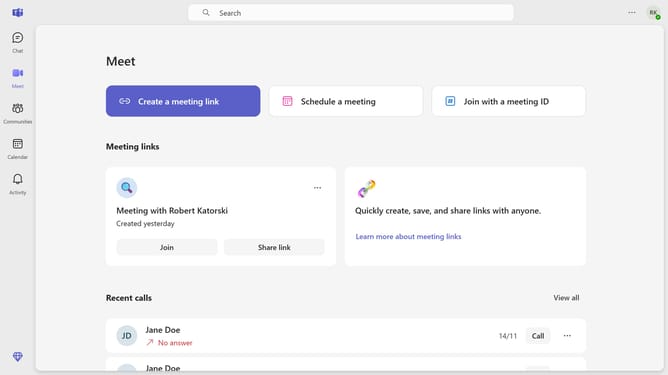
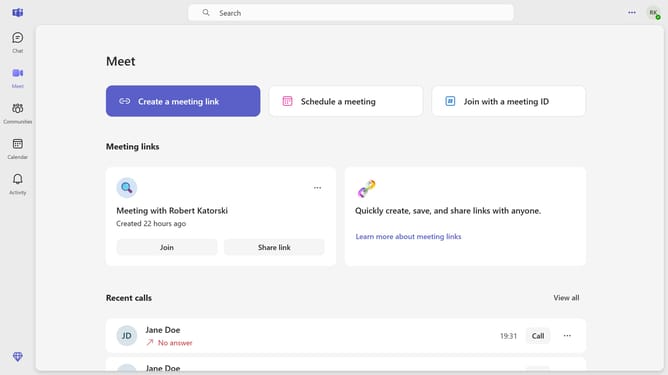
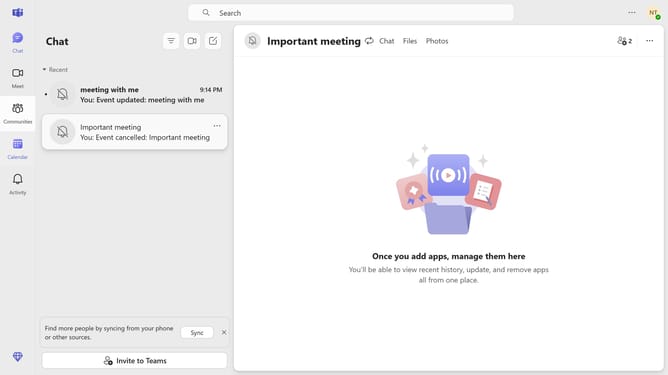
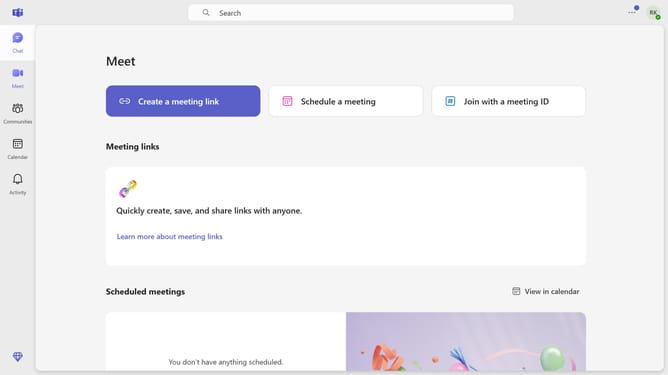
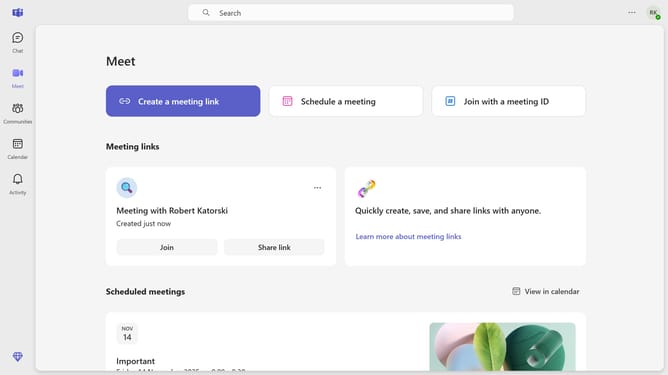
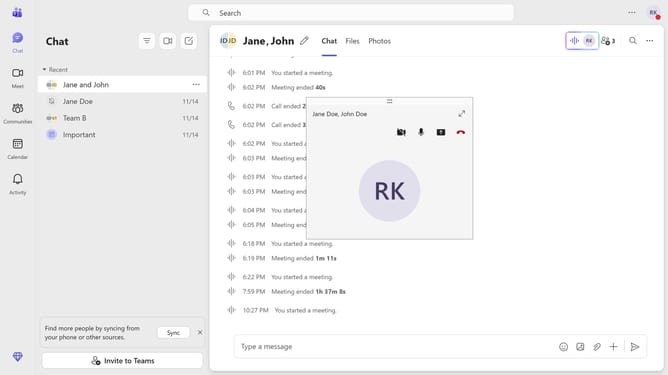
- First click on the "More options" button in the top-right corner of the header
- Then click on the "Keyboard shortcuts" option in the dropdown menu
- Finally scroll down to view all the keyboard shortcuts
Why should you view keyboard shortcuts in Microsoft Teams
Microsoft Teams is a collaborative hub that brings people, conversations, and content together for seamless teamwork.
Discovering keyboard shortcuts in Microsoft Teams streamlines your workflow, allowing you to navigate the app efficiently without interruption.
Utilizing these shortcuts boosts productivity by reducing time spent on repetitive mouse actions, enabling more focus on what's truly important: collaboration and communication.
Viewing keyboard shortcuts transforms your user experience, making teams function smoother and more intuitively.
Last update