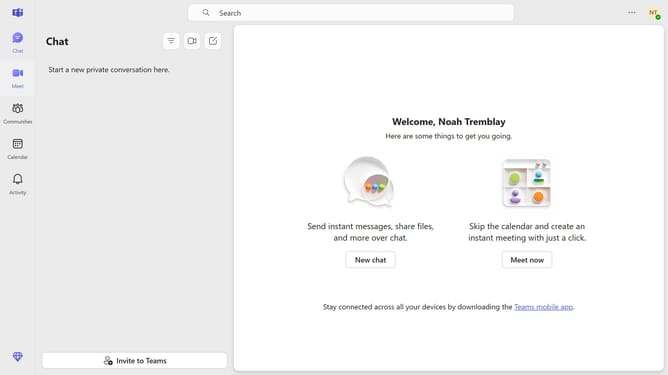
How to post to a community in Microsoft Teams
Here is how to post to a community in microsoft teams
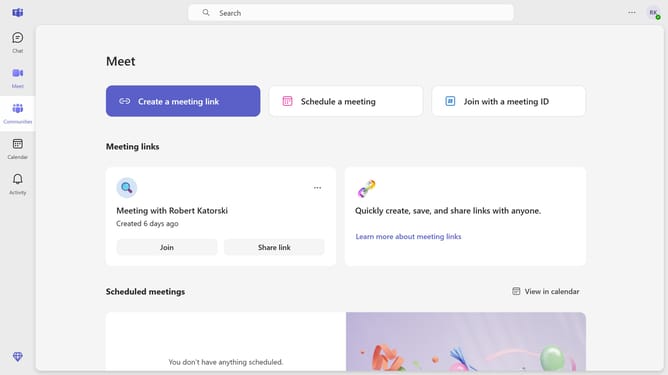
- First click on the "Communities" icon in the left sidebar
- Then click the channel in the left panel where you want to post
- Next click on the "Post in channel" button in the main content area
- Click on the "Add a subject" field and type in your desired announcement title
- Click the "Type a message" input field and enter the message you want to post
- Finally click the "Post" button to publish the announcement
Why should you post to a community in Microsoft Teams
Microsoft Teams is a powerful collaboration platform designed to bring teams together in one hub.
Posting to a community in Microsoft Teams allows individuals to share ideas, updates, and insights effortlessly. This feature fosters engagement, encouraging open communication among members.
Utilizing this feature enhances teamwork by providing a centralized space for discussions, ensuring everyone stays informed and connected. It empowers communities to collaborate more effectively, boosting productivity and strengthening group dynamics.
Last update