How to enable message preview in your chat list in Microsoft Teams
Here is how to enable message preview in your chat list in microsoft teams
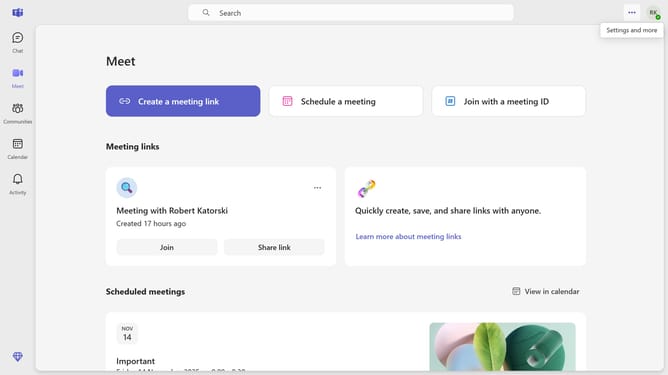
- First click on the settings menu icon in the top-right corner of the Teams interface
- Then click on "Settings" option from the dropdown menu
- In the left sidebar of Settings, click on "Appearance" tab
- In the Appearance section, locate and click the toggle switch for "Show message previews in your chat list" to turn it on
Why should you enable message preview in your chat list in Microsoft Teams
Microsoft Teams is a collaborative platform designed to enhance communication and teamwork within organizations.
Enabling the message preview feature in your chat list in Microsoft Teams allows you to see snippets of incoming messages right from your list. This capability enhances your ability to stay informed without having to click into every conversation, thus streamlining your workflow.
By seeing previews, you can quickly assess the importance of each message at a glance, boosting productivity and helping prioritize responses effectively.
Last update