How to delete community in Microsoft Teams
Here is how to delete community in microsoft teams
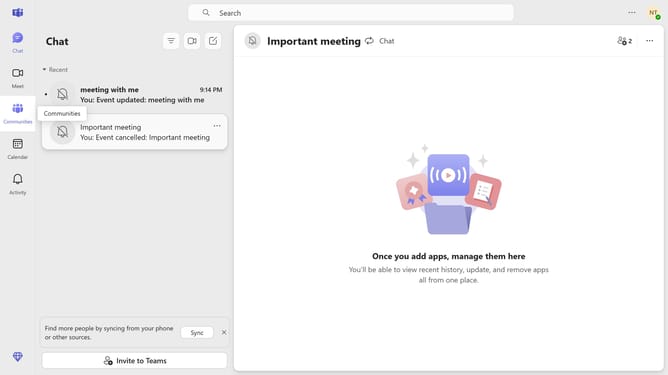
- First click on the "Communities" button in the left sidebar
- Then click on the "More options" button (three dots) next to the a community you want to delete in the left sidebar
- Next select "Delete community" option from the dropdown menu
- Finally click on the "Delete permanently" button in the confirmation dialog
Why should you delete community in Microsoft Teams
Microsoft Teams is a dynamic collaboration hub designed to foster teamwork and streamline communication across diverse communities.
One of the valuable features of Microsoft Teams is the ability to delete a community smoothly, ensuring that your workspace remains clutter-free and organized.
Removing obsolete or inactive communities boosts efficiency by reducing noise and allowing focus on active, relevant discussions.
This feature aids in maintaining a clean and purposeful digital environment, contributing to enhanced productivity and effective information management.
Last update