How to pin a video during a meeting call in Microsoft Teams
Here is how to pin a video during a meeting call in microsoft teams
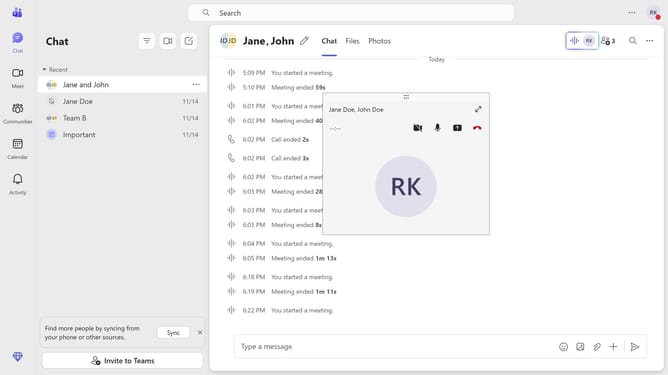
- First, click the Maximize button on the meeting call you are currently in
- Then click on the "People" button in the top meeting controls toolbar to view participants
- Next, click the "More options" button (three dots) next to the participant whose video you want to pin
- Finally click on the "Pin for me" option in the dropdown menu to pin the participant's video
Why should you pin a video during a meeting call in Microsoft Teams
Microsoft Teams is a versatile collaboration platform designed to streamline communication and enhance teamwork.
During a meeting call, pinning a video in Microsoft Teams allows participants to focus on a specific speaker or presentation, ensuring that crucial visual information isn't missed.
This feature enhances concentration and engagement by letting users choose a video feed to stay prominently on their screen, making it particularly beneficial in scenarios with multiple speakers or presentations.
Pinning helps cultivate a more organized meeting atmosphere, contributing to effective communication and collaboration.
Last update