How to disable extended diagnostic data in Microsoft Teams
Here is how to disable extended diagnostic data in microsoft teams
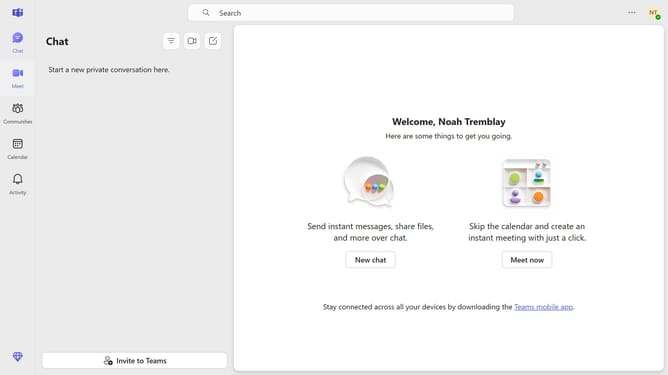
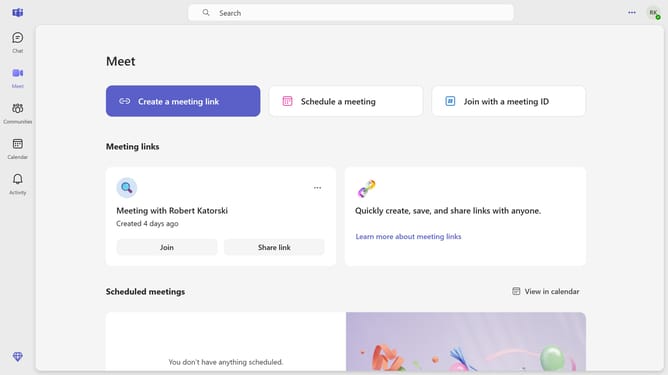
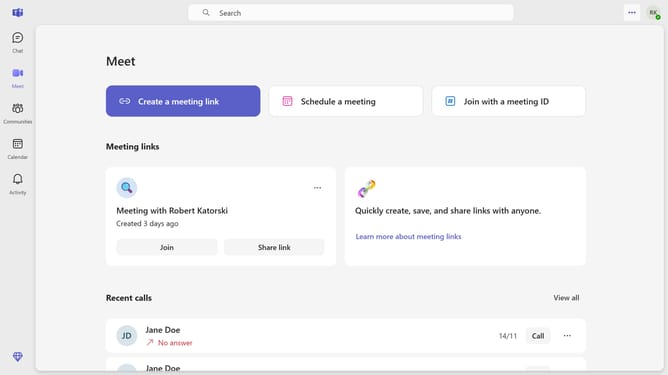
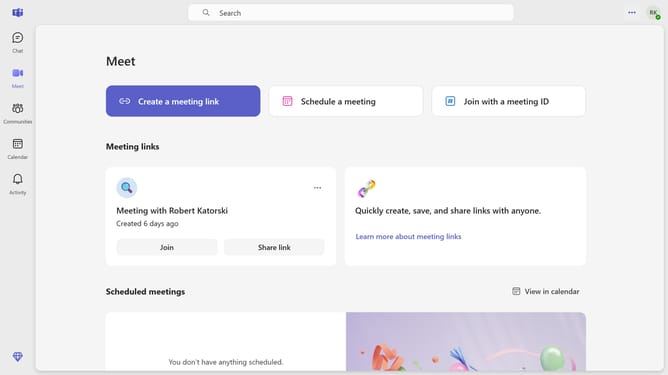
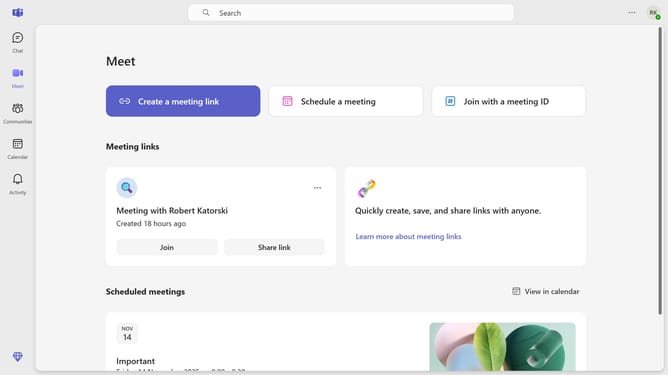
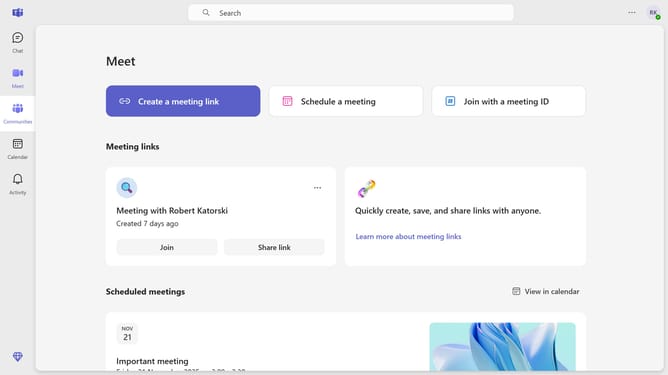
- First click on the "More options" button in the top-right corner of the header
- Then click on "Settings" option in the dropdown menu
- Next click on "Privacy" option in the left sidebar settings menu
- Finally click on the "Extended diagnostics data" toggle switch to disable it
Why should you disable extended diagnostic data in Microsoft Teams
Microsoft Teams is a powerful platform designed to streamline collaboration and communication within organizations.
Disabling extended diagnostic data in Microsoft Teams can significantly enhance user privacy by limiting the amount of data sent to Microsoft. This setting ensures that only essential data is collected, aligning with privacy-focused approaches desired by many users and organizations.
By maintaining minimal data sharing, organizations can focus on using Teams for seamless communication while feeling confident about safeguarding sensitive user information.
Last update