How to download attachments in a chat in Microsoft Teams
Here is how to download attachments in a chat in microsoft teams
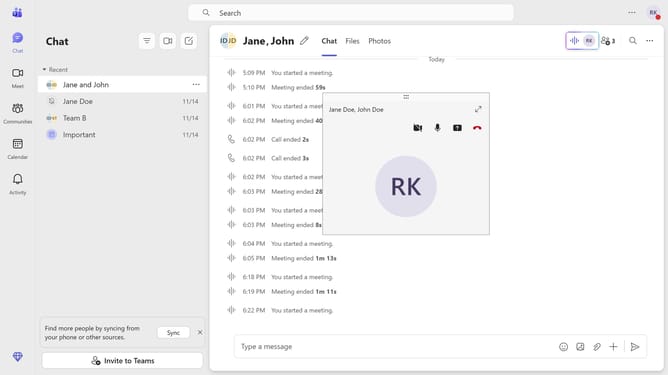
- First click on the "Chat" icon in the top navigation bar
- Then click on the message in the chat history list that has an attachment
- Next click on the "More options" button (three dots) next to the file attachment
- Finally click on the "Download" option from the dropdown menu to save the file
Why should you download attachments in a chat in Microsoft Teams
Microsoft Teams is a powerful collaboration platform designed to bring people and resources together seamlessly.
One of its essential features allows users to download attachments shared in chat, ensuring that key documents are easily accessible. This enhances productivity by enabling team members to review and reference important files offline or for future use.
Downloading attachments from Teams' chat supports workflow efficiency, helping teams to meet deadlines by quickly accessing necessary resources without switching between multiple platforms.
Last update