How to start a chat in Microsoft Teams
Here is how to start a chat in microsoft teams
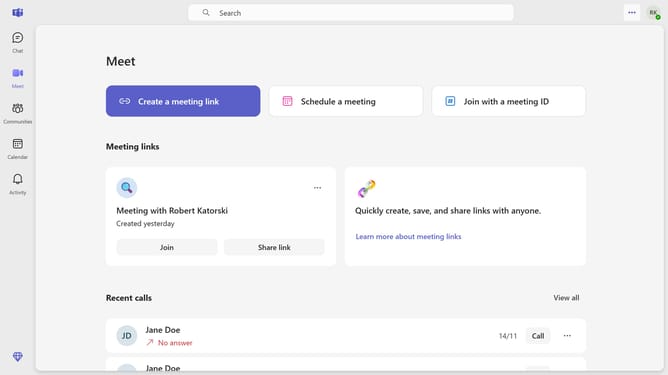
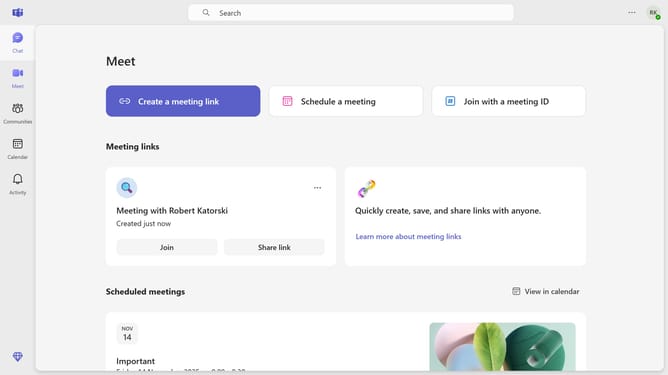
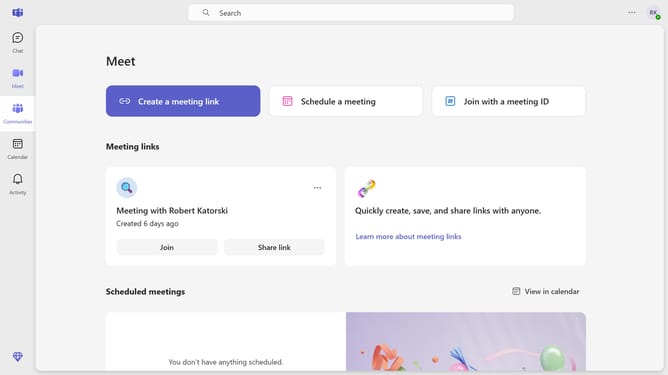
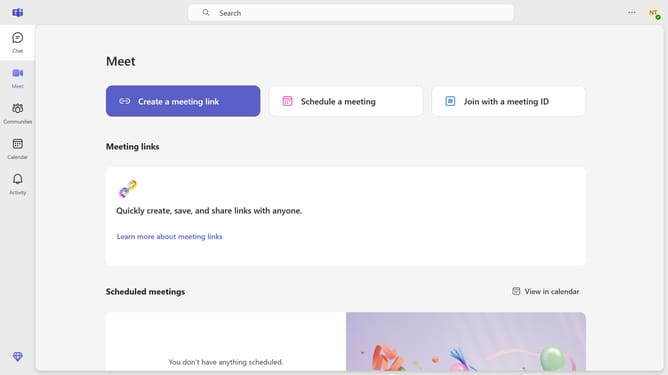
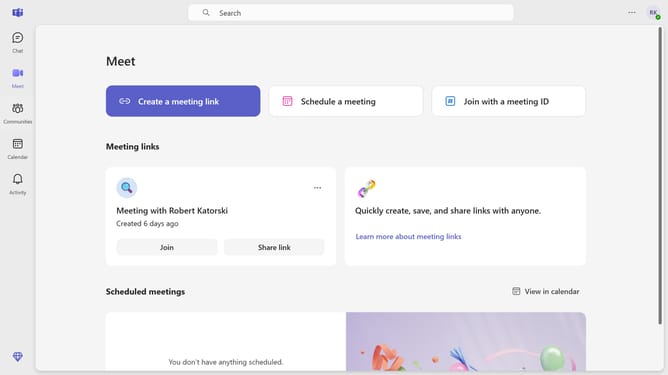
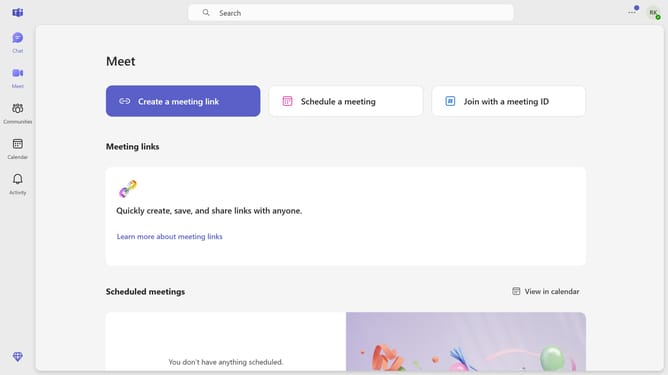
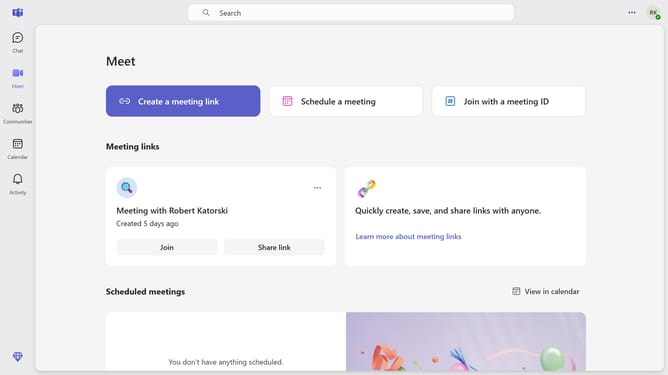
- First click on the "Chat" icon in the top navigation bar to open the chat interface
- Then click on the "New chat" button in the top toolbar
- Next click in the "Enter name, email or phone number" field and type in the name of the recipient
- After that click in the "Type a message" text box at the bottom of the chat window and type in a message
- Finally click the "Send" button (arrow icon) in the message input area to send your message
Why should you start a chat in Microsoft Teams
Microsoft Teams is a versatile collaboration platform designed to streamline communication and teamwork within organizations.
Starting a chat in Microsoft Teams allows team members to connect instantly, fostering quick decision-making and problem-solving.
This feature enhances productivity by enabling direct communication without the need for formal meetings.
By utilizing chat, team members can exchange ideas, share updates, and maintain an open channel for ongoing collaboration, ensuring everyone stays on the same page.
Last update