How to set a community event to recur daily in Microsoft Teams
Here is how to set a community event to recur daily in microsoft teams
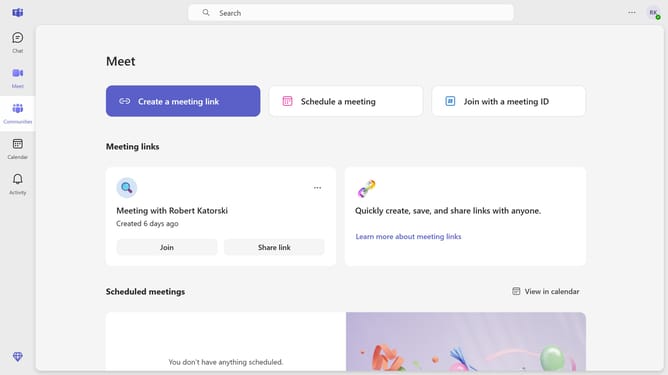
- First click on the "Communities" button in the left sidebar
- Then click a channel in the left sidebar
- Next click on the "Events" button in the top navigation bar
- Then click on the "Edit" button next to the meeting details
- Next click on the recurrence dropdown menu
- Then select "Daily" option from the recurrence dropdown menu
- Next click on the "Save" button in the recurrence dialog
- Finally click on the "Send update" button in the top right corner
Why should you set a community event to recur daily in Microsoft Teams
Microsoft Teams is a dynamic platform designed to facilitate seamless collaboration and communication within organizations.
Setting a community event to recur daily in Microsoft Teams ensures that your team stays informed and aligned consistently. This feature allows for the effortless repetition of crucial meetings or updates, ensuring no one misses out on vital information.
By using this function, you enhance productivity and foster a more connected community within your team. It creates a rhythm in daily workflows, ultimately saving time and enhancing organizational coherence.
Last update